

Wallets
Hold funds in a single currency. Learn how wallets work and how to create one.
A wallet is a single-currency balance on your BEEM account. Every payment that flows through BEEM — inbound from a customer, outbound to a counterparty, or moving within your own operation — credits or debits a wallet. Wallets are the foundation that everything else on BEEM is built around.
How wallets fit with the rest of BEEM
| Primitive | Role |
|---|---|
| Wallet | Holds funds in one currency. |
| Channel | Static crypto inbound address feeding a single wallet. |
| Payment Link | One-off inbound URL, or the only way crypto leaves a wallet. |
| Contact | Saved counterparty whose address can be reused on outbound Payment Links. |
| Approval | Sign-off policy applied above every outbound flow. |
Each wallet is denominated in a single currency. If you need a balance held in more than one currency — say USDC and USDT — you need a separate wallet for each.
Wallets are single-currency, payments are not
Each wallet holds a balance in exactly one currency, but the currencies of the payments that pass through it are not constrained.
Inbound conversion. Any payment received into a wallet — whether through a Channel or a Payment Link — is automatically converted to the wallet's currency before it credits the balance. A EUR wallet can accept inbound USDC, USDT, USD or any other supported currency; the funds arrive as EUR.
Outbound conversion. A wallet can pay out in any supported currency. When you create an outbound Payment Link from a EUR wallet for 100 USDC, BEEM debits the equivalent EUR amount from the wallet and the recipient receives 100 USDC at the destination address.
Conversion rates are quoted at the time of the transaction and recorded against the corresponding payment record so finance teams can reconcile both legs of the trade. This means you can choose a wallet currency that simplifies your accounting — typically your reporting currency — without restricting which currencies your customers can pay in or which currencies you can pay out in.
How a wallet moves money
Crypto moves into a wallet through:
- Channels — a static address scoped to a single currency across any supported network. A wallet can have many channels feeding into it (typically one per pay currency, or one per customer cohort), all crediting the wallet's currency on arrival.
- Payment Links — a one-off URL with a fixed amount, currency and network. Converted on arrival if the link currency differs from the wallet currency.
Crypto moves out of a wallet through Payment Links only. When creating an outbound Payment Link, the destination address can be selected from a saved Contact, entered manually as a one-time address, or left blank — with the hosted Payment Link URL sent to the recipient to populate.
Approvals sit above every outbound flow. Withdrawal policies are configured separately for the Portal and the API, so dual control or amount-tiered sign-off can be enforced before any Payment Link executes.
Each of these primitives is covered in detail in its own page — links at the bottom.
Why you might create more than one wallet per currency
Multiple wallets in the same currency is supported, and is a common pattern. Typical reasons:
- Customer segregation. A merchant servicing distinct cohorts (retail vs. institutional, B2B vs. C2B) may want a separate ledger for each.
- Business line accounting. Funds from different products or revenue streams stay logically separated even when they share a currency.
- Regulatory entity separation. Where the same operator runs multiple legal entities, each entity holds its own wallet.
- Operational simplicity. A dedicated wallet per integration or per geography makes reconciliation cleaner.
There is no functional difference between one wallet per currency and many — pick the model that matches how your finance team reconciles.
Create a wallet in the Portal
- Sign in to the Account Portal.
- Open the Wallets section from the left navigation.
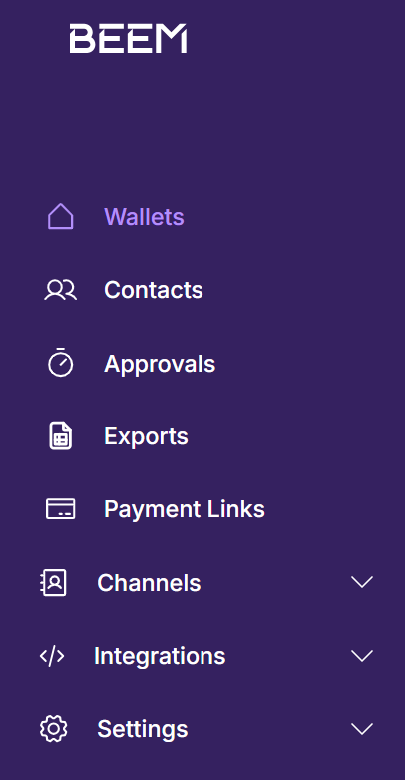
Wallets sits near the top of the Portal's left navigation.
- Click Create a Wallet.

The Wallets page. Click Create a Wallet on the top right to start.
- Enter a wallet name. This appears throughout the Portal and on reconciliation reports — make it specific enough that your finance team can identify it at a glance (for example
EU-retail-USDCorOTC-desk-USDT).
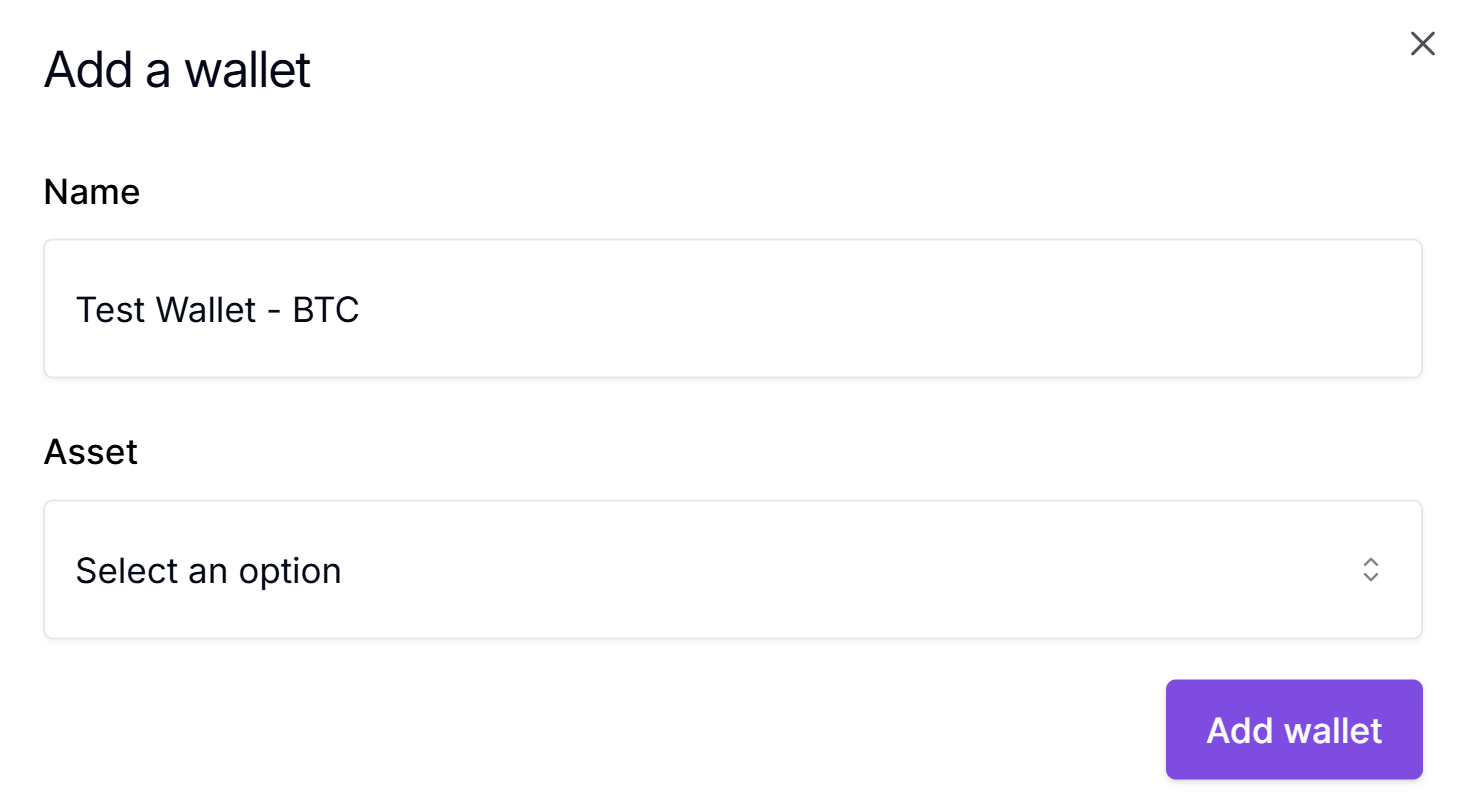
Give the wallet a name your finance team will recognise.
- Select the wallet currency and click Add Wallet.
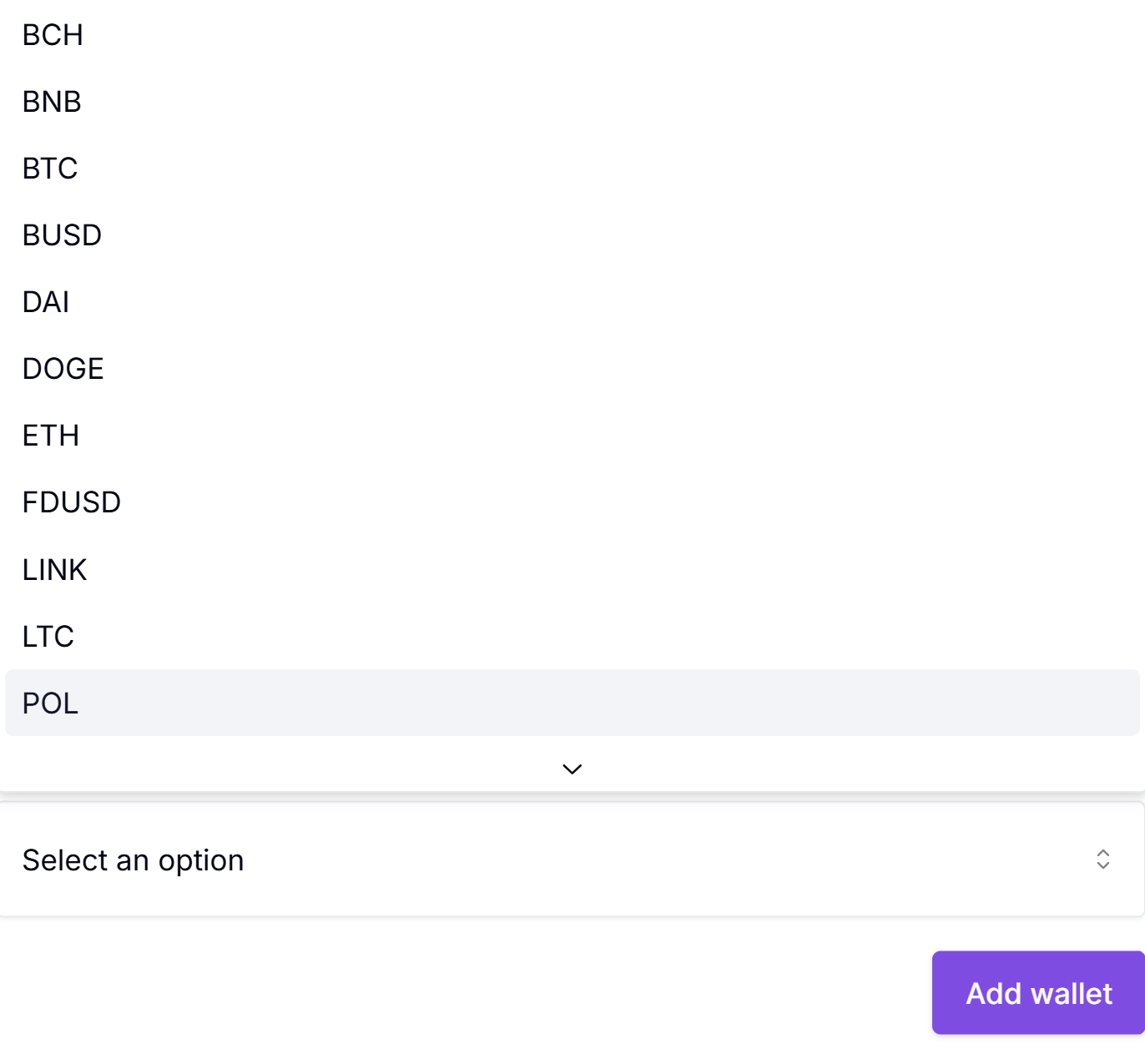
Pick the currency from the supported list. The wallet currency cannot be changed after creation.
The wallet appears on the Wallets page with a zero balance. It is immediately ready to receive a Channel attachment or to be drained via a Payment Link.
Wallets are permanentOnce created, a wallet cannot be renamed, archived, or deleted. Make sure the name and currency are correct before you click Add Wallet. Rename, archive and delete are on the product roadmap — until they ship, treat creation as a one-way operation.
Creating a wallet via the APIThe API supports wallet creation as well. This page focuses on the Portal flow because the Portal is where finance and operations teams typically work. The API reference covers the equivalent endpoint and request shape.
What's next
Static crypto addresses for a specific currency, valid across all supported networks. Share them with customers as part of the Crypto Payments offering to accept ongoing inbound crypto.
Single-use URLs for crypto deposits or withdrawals. Each link is created with a fixed amount, currency, and network.
Saved withdrawal destinations for individuals or entities. Reference a contact when sending funds out, instead of entering destination details each time.
Sign-off rules that gate withdrawals. Set policies separately for UI and API initiations, with optional amount-tiered approver requirements.
Updated 5 months ago