

Adding USDT (ERC20)
Import the test USDT ERC20 token into your MetaMask wallet by adding its contract address.
Once you have MetaMask on the Sepolia testnet, you need to import the USDT (ERC20) token so it appears in your wallet and you can send test transactions.
Steps
- Open the Import tokens screen. In the Tokens tab of your MetaMask wallet, click Import tokens.
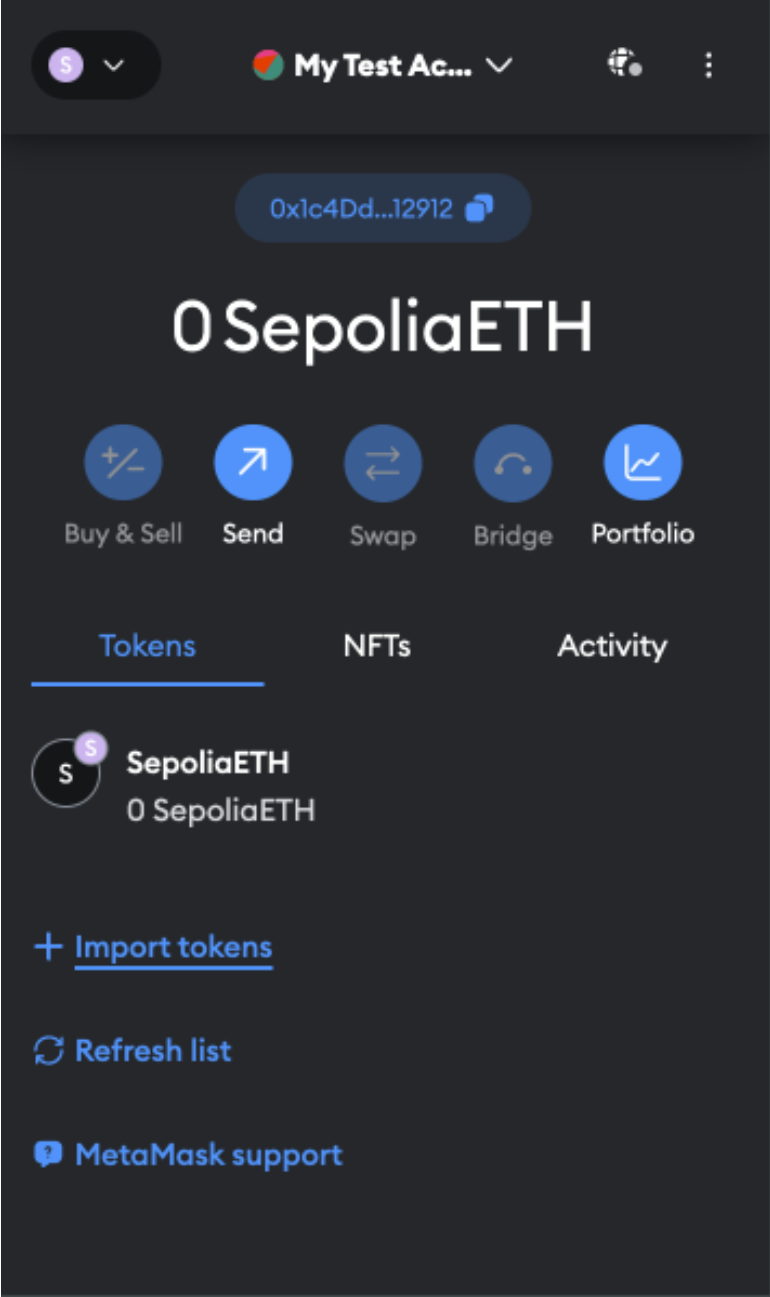
Opening Import tokens in MetaMask
- Add the token contract address. Paste the address below into the contract address field. The token symbol and decimal should auto-fill — if not, enter
USDTand6respectively.
0x3429519eE7cDbB13B49161F1Eb6e1B026939113A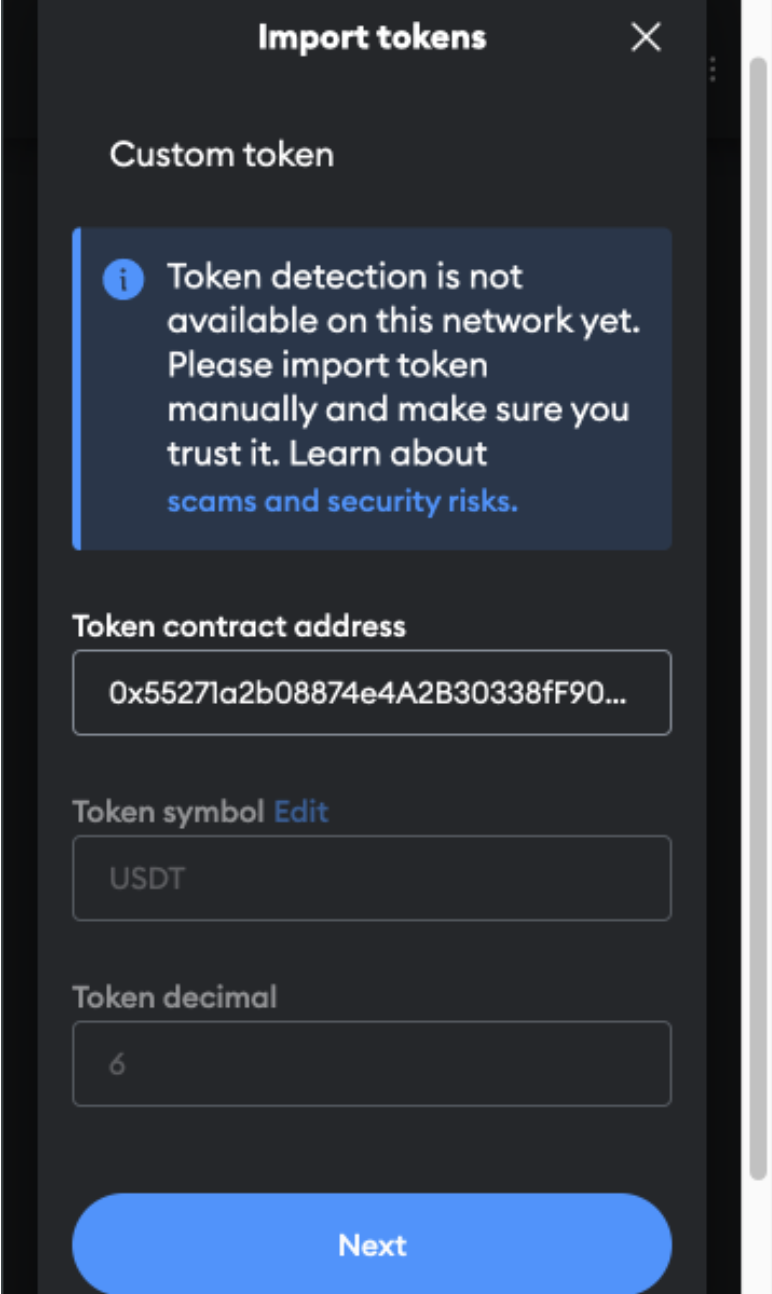
Pasting the USDT ERC20 contract address
- Click Import when prompted.
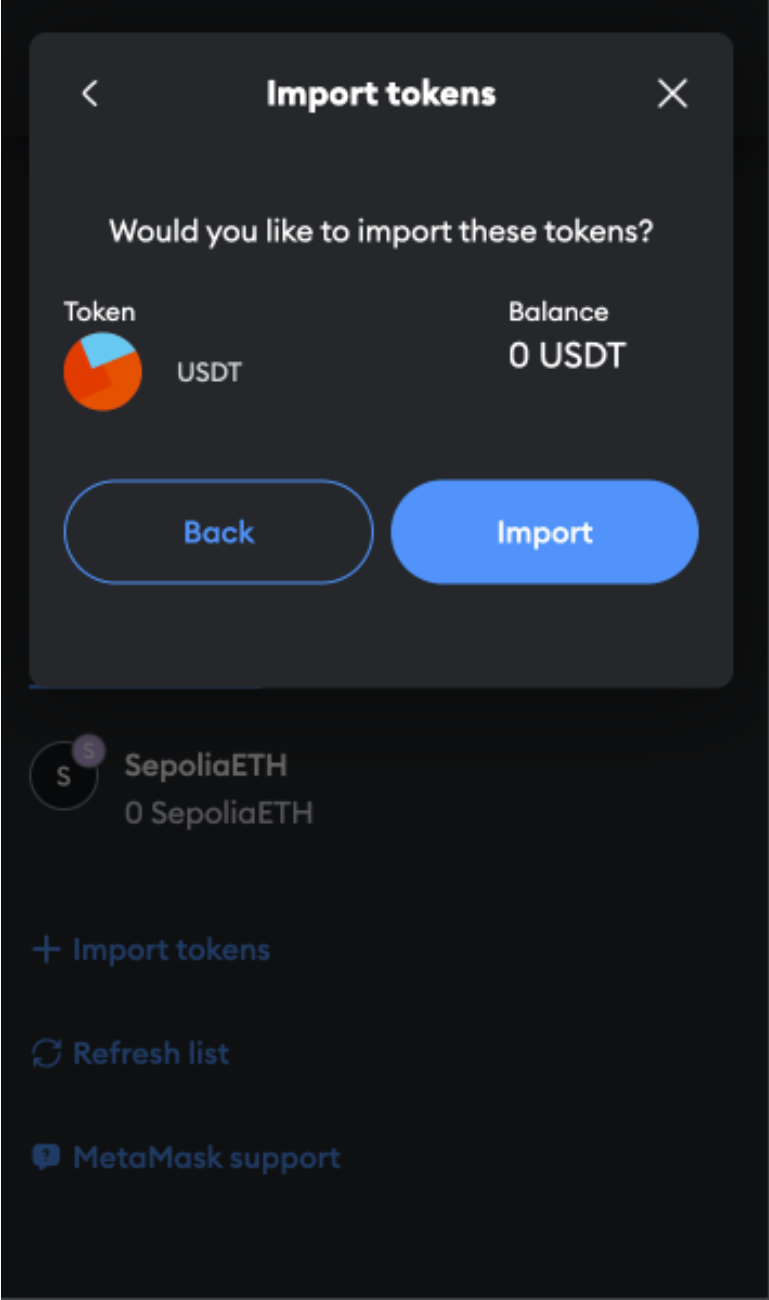
Confirming the token import
- Done. USDT (ERC20) now appears in your MetaMask wallet and is ready for test transactions.
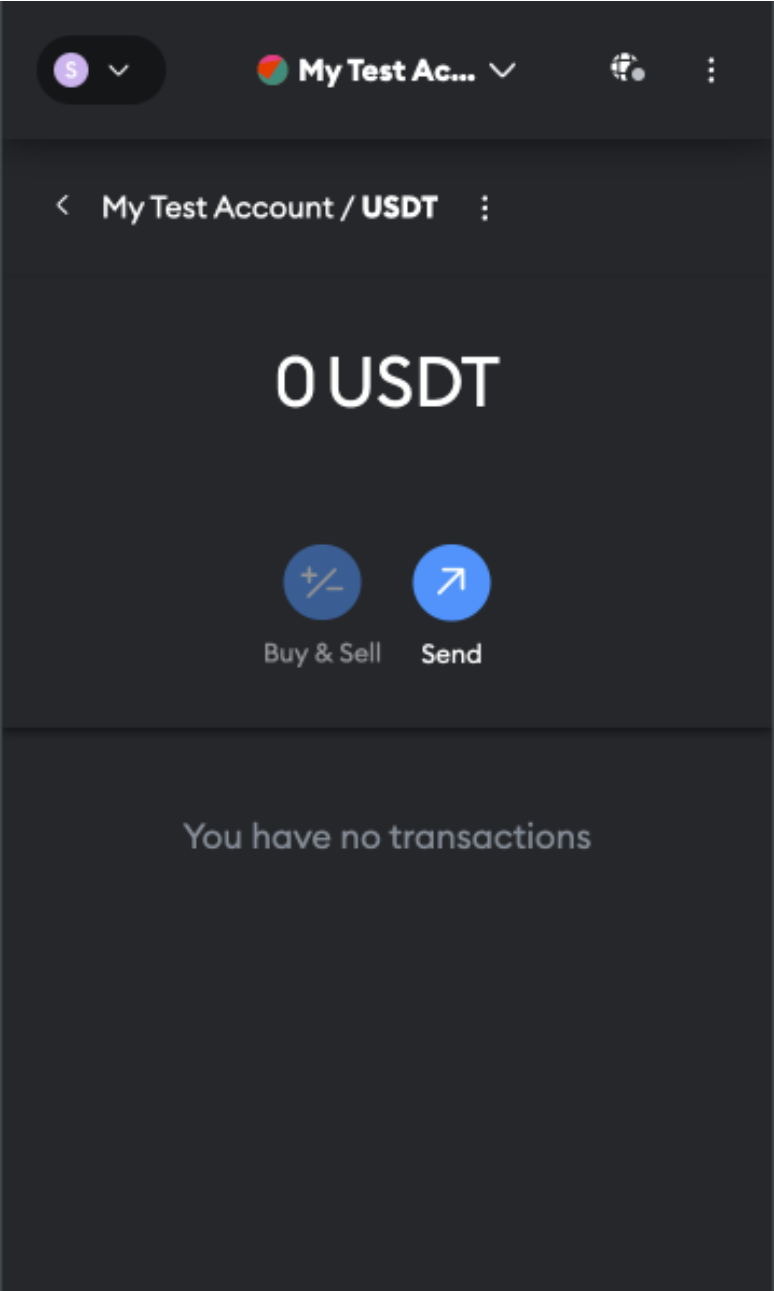
USDT (ERC20) imported into MetaMask
Getting test USDTImporting the token only makes it visible — it does not credit any balance. To get test USDT, contact your BEEM integration manager who can fund your wallet directly. SepoliaETH for gas can be obtained from the Alchemy Sepolia Faucet.
What's next
Updated 5 months ago
Did this page help you?