

Send Crypto
Send crypto out of a wallet from the Portal — to a saved Contact or a one-time address.
The Send Crypto action on the Wallets page creates an outbound crypto payout from one of your wallets, with the destination specified up front — either a saved Contact or a one-time address. It is the Portal equivalent of the API's With Detail payout flow: the same fully-specified payment, just initiated through the UI.
Use Send Crypto when you know exactly where the funds are going — a refund to a known address, a scheduled payout to a saved Contact, or a treasury transfer.
Open the Send Crypto dialog
- Sign in to the Account Portal.
- Go to Wallets.
- Click Send crypto — either the button at the top of the page, or the Send crypto action on a specific wallet row. The Send funds dialog opens.
Complete the form
The fields shown depend on the To choice:
| Field | Shown for | Description |
|---|---|---|
| Send from wallet | Always | The wallet the payout draws from. |
| To | Always | Choose Contact to send to a saved Contact, or One-time address to send to an address that is not saved. |
| Send to | Contact only | The saved Contact to pay. The Contact carries its own address, network, and currency. |
| Address | One-time address only | The destination wallet address. |
| Network | One-time address only | The network to send on. |
| Currency | One-time address only | The crypto asset to send. Becomes selectable once the network is chosen. |
| Amount | Always | The amount to send. |
| Payment reference | Always | Your internal label for the payout. Click the sparkle icon to auto-generate one. |
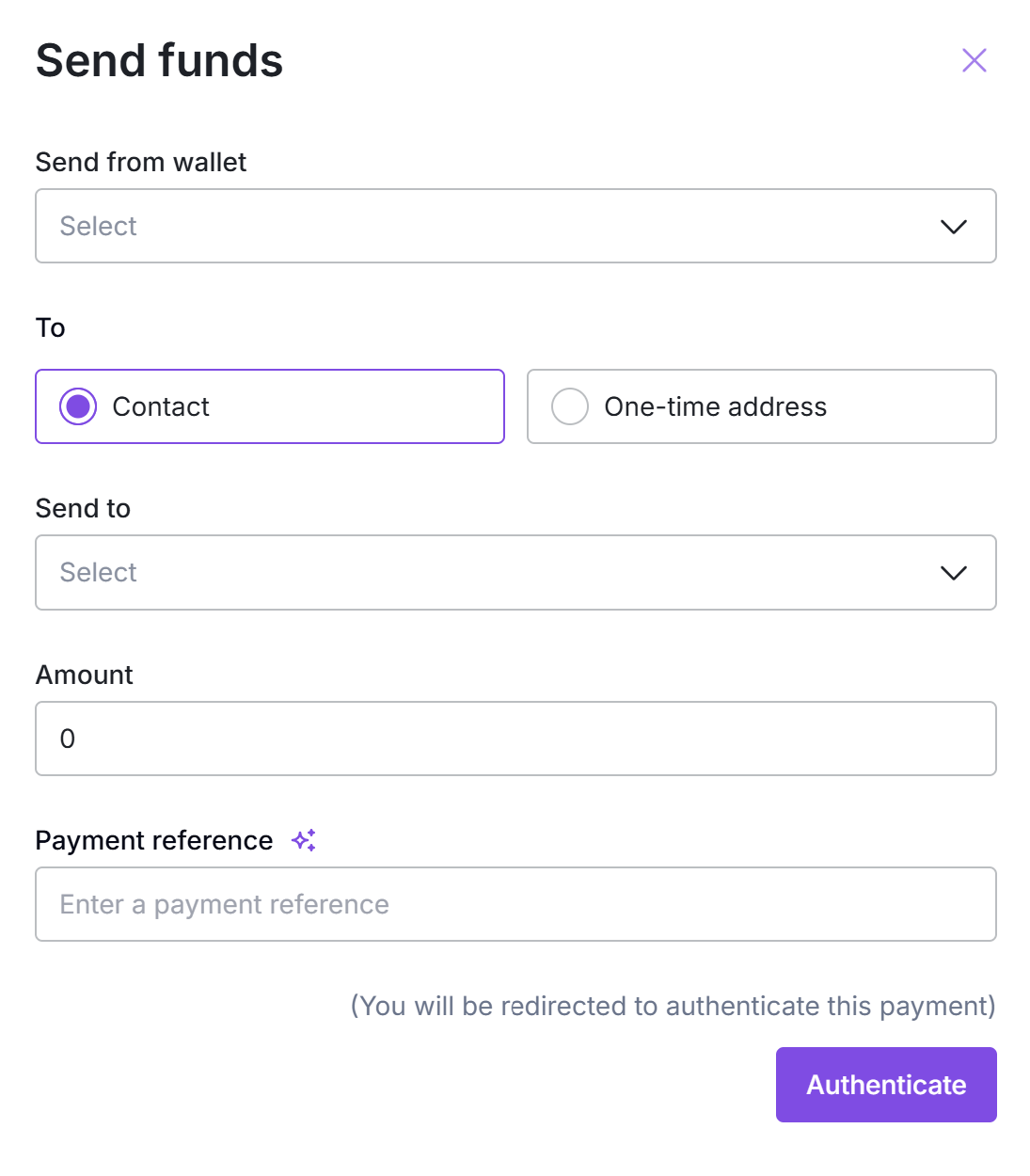
Send funds with a saved Contact selected — the Contact supplies the destination details.
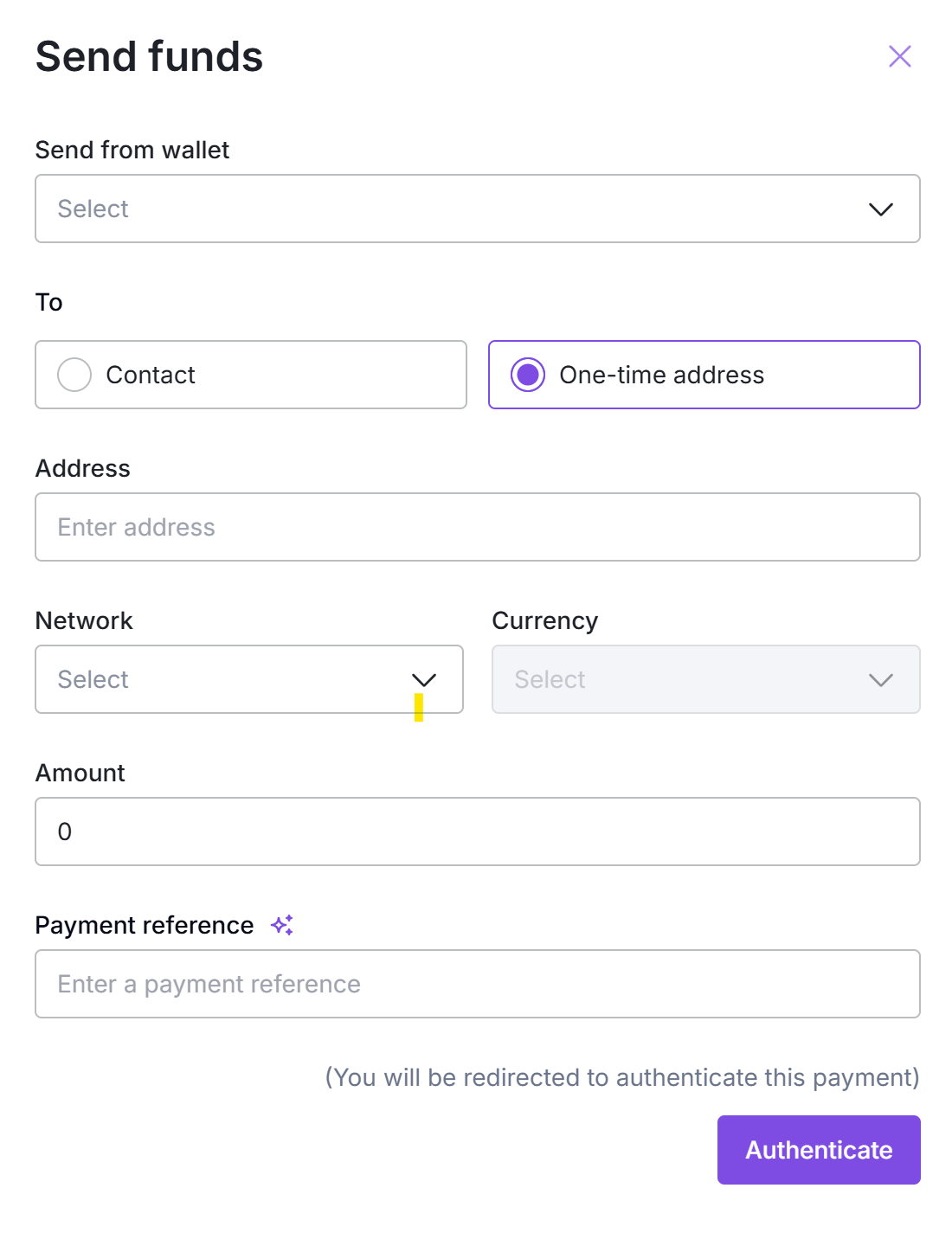
Send funds with One-time address selected — enter the address, network, and currency directly.
Submit
Click Authenticate. The payout proceeds the same way as an API-created With Detail payout — subject to compliance screening and, if your account has approvals configured, an approval gate.
What happens after
The payout follows the standard Payment Link Out lifecycle: PENDING → PROCESSING → COMPLETE. If approvals are configured, the payout waits in PROCESSING for approver sign-off before BEEM submits it on-chain. If a screening rule triggers, a transaction-held event fires.
See Payment Link Out for the full lifecycle, statuses, and webhook events. The Portal-initiated payout uses the same machinery as the API-initiated one.
What's next
Updated 5 months ago