

Adding TRON (TRX)
Fund your TronLink wallet with test TRX from the Nile testnet faucet.
You must add test TRX to your TronLink wallet before adding any other Tron tokens — TRX is required to activate the wallet and pay gas on every Tron transaction.
Steps
-
Go to the Nile Tron faucet, which delivers 2000 test TRX per request.
-
Enter your TronLink wallet address and click Obtain.
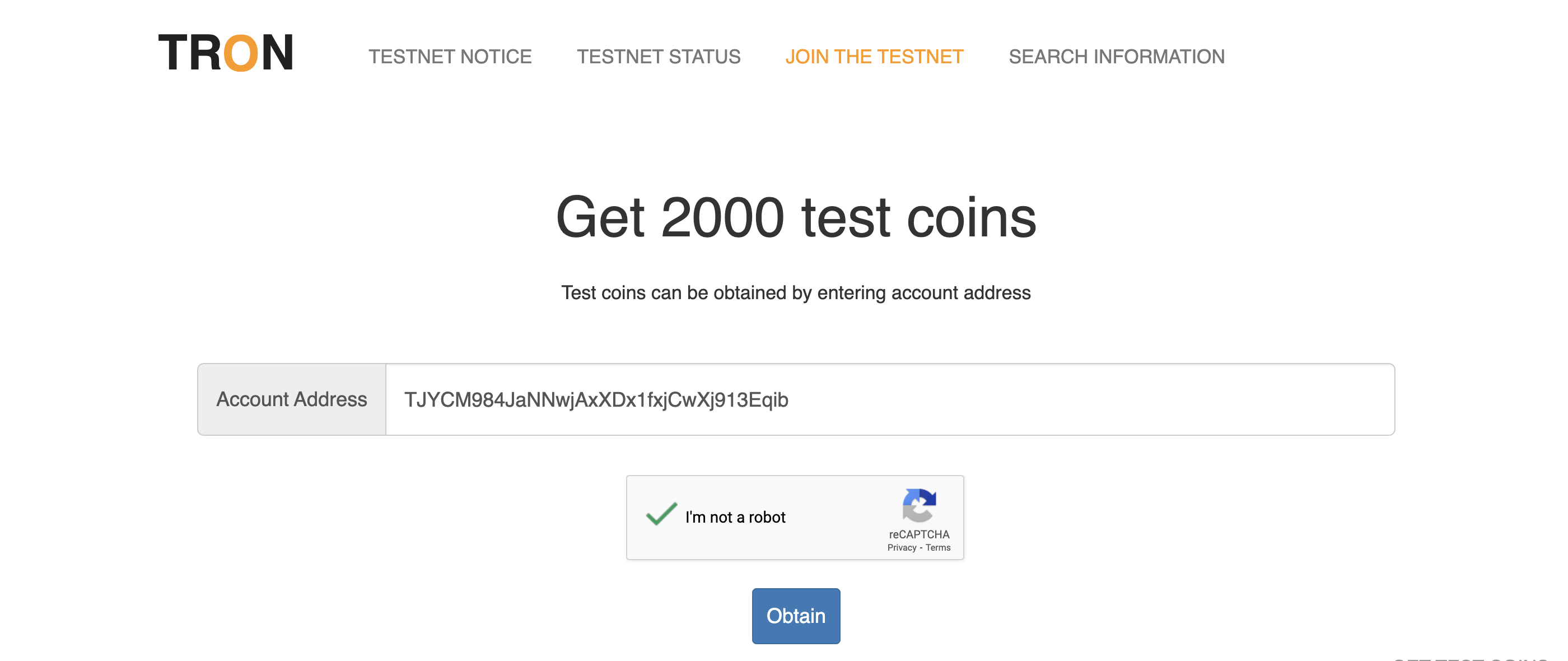
Requesting test TRX from the Nile faucet
- Done. The test TRX appears in your TronLink wallet within a minute. You can now move on to importing and minting USDT TRC20.
What's next
Updated 5 months ago
Did this page help you?