
Webhooks
We covered how to create a webhook listener here in the getting setup guide - if you haven't done this already, go to this step to get ready to receive webhooks.
BEEM sends out a series of webhooks to keep you informed on any moment of funds on your account.
To add webhooks follow the below steps:
- Log in to your account.
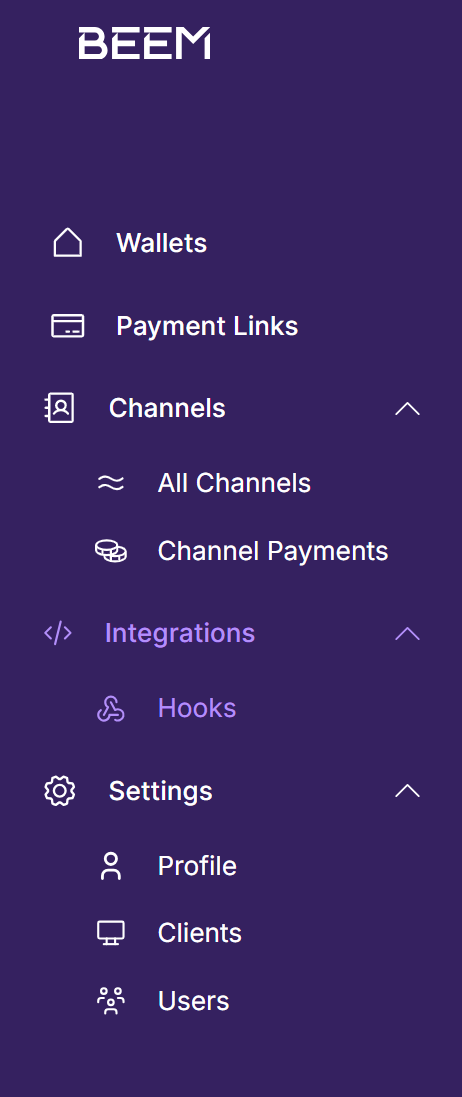
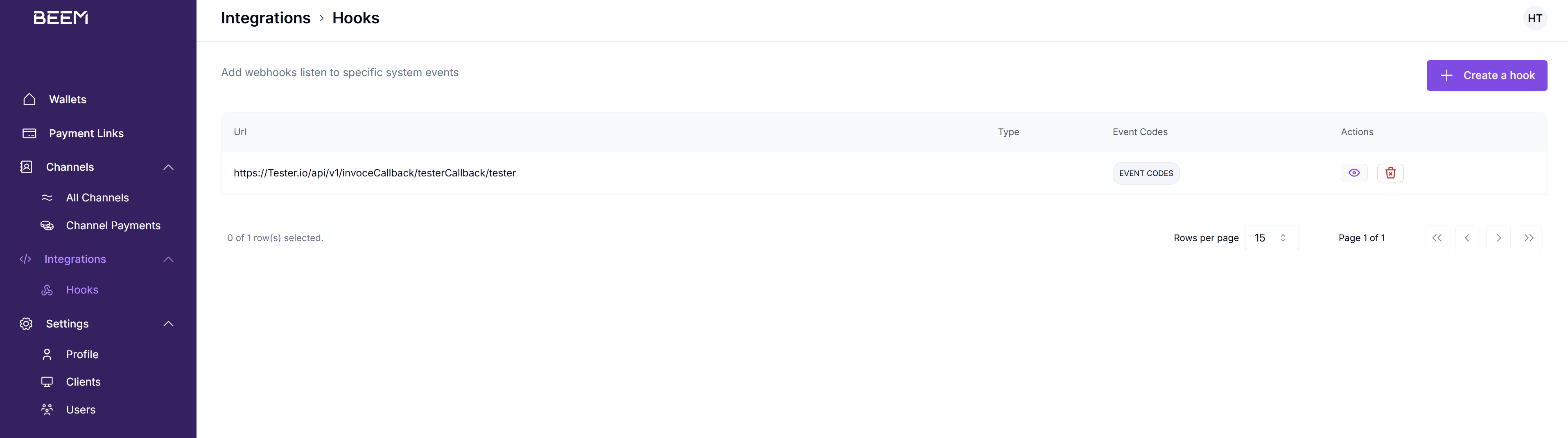
- Navigate to the "Hooks" section:
- Click on "Create a hook" in the top right corner:

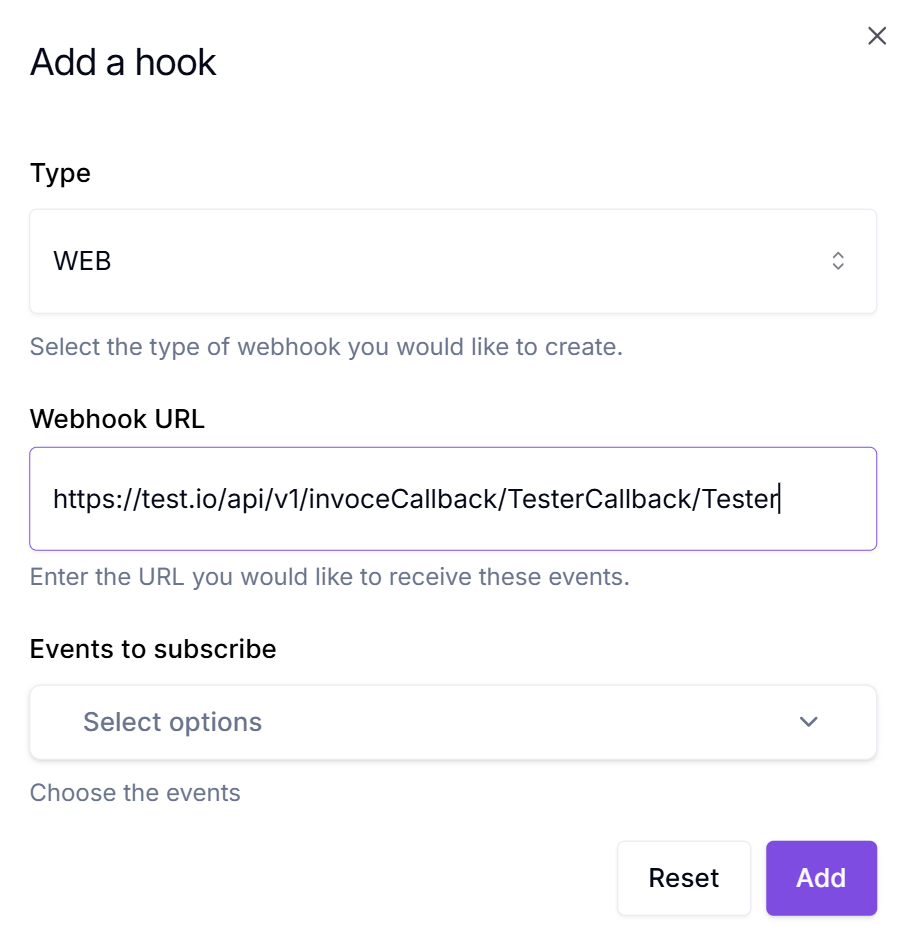
- Currently, only "WEB" hooks are available.
- Enter your "Webhook URL":
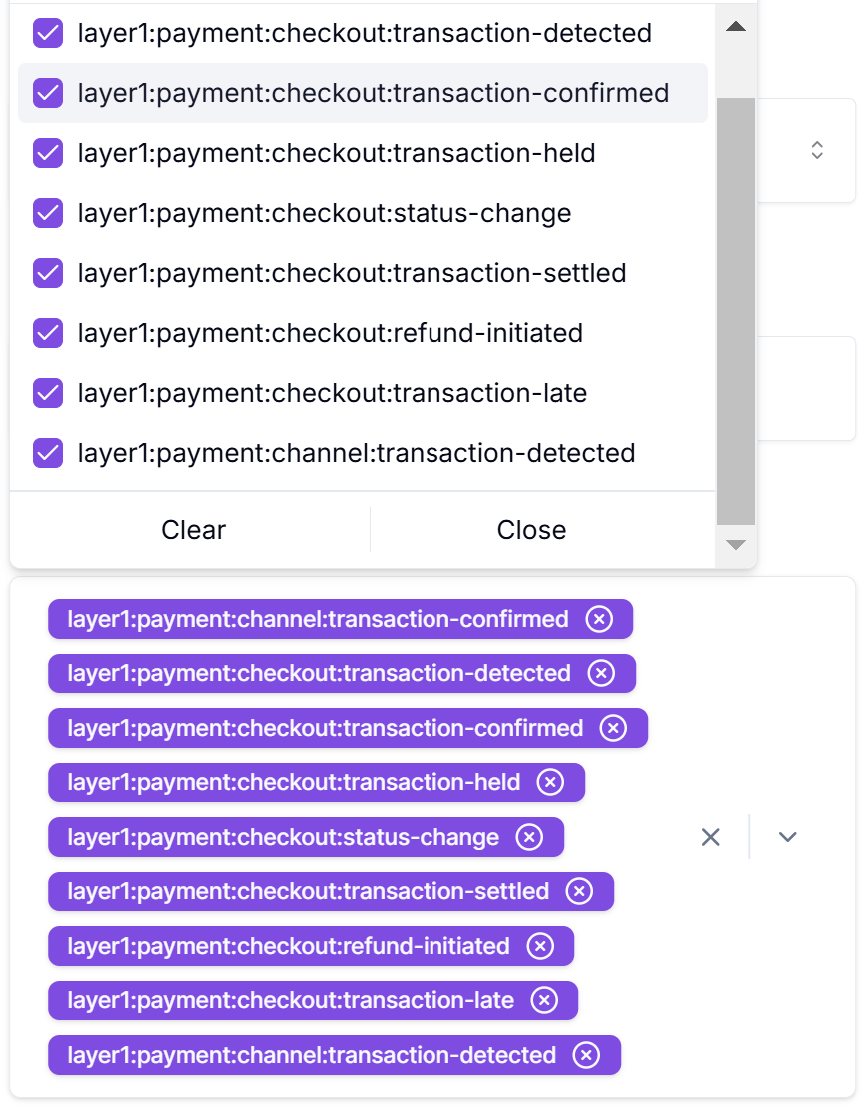
- Select the "Events to Subscribe" to:
-
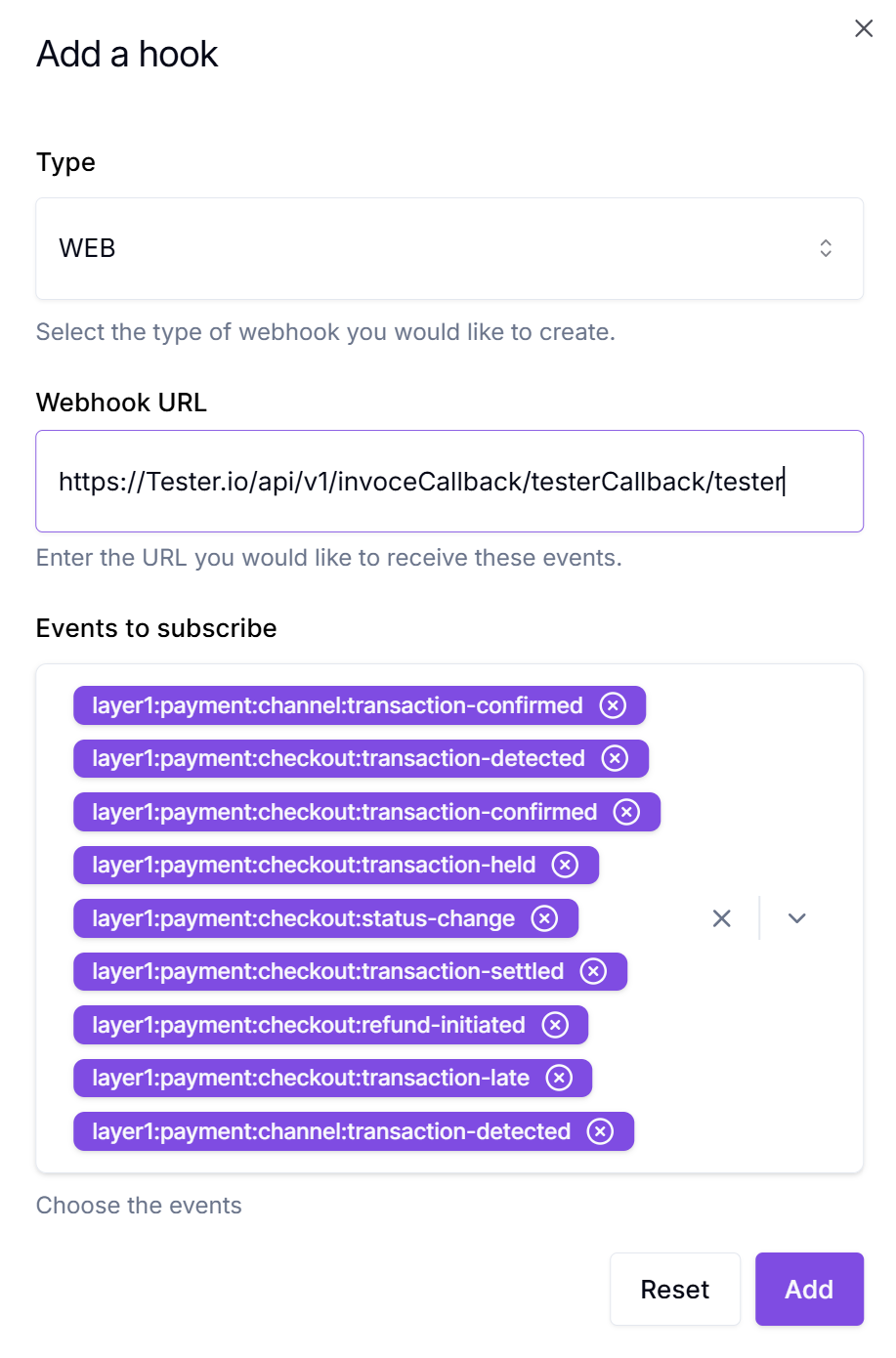
Click "Add":
-
You have now added your first webhook:
Updated about 1 year ago