
Setting Up a MetaMask Wallet
If you wish to test sending payments using the Payments API in your Sandbox, this guide will help you set up a MetaMask wallet so that you can add test tokens.
Steps:
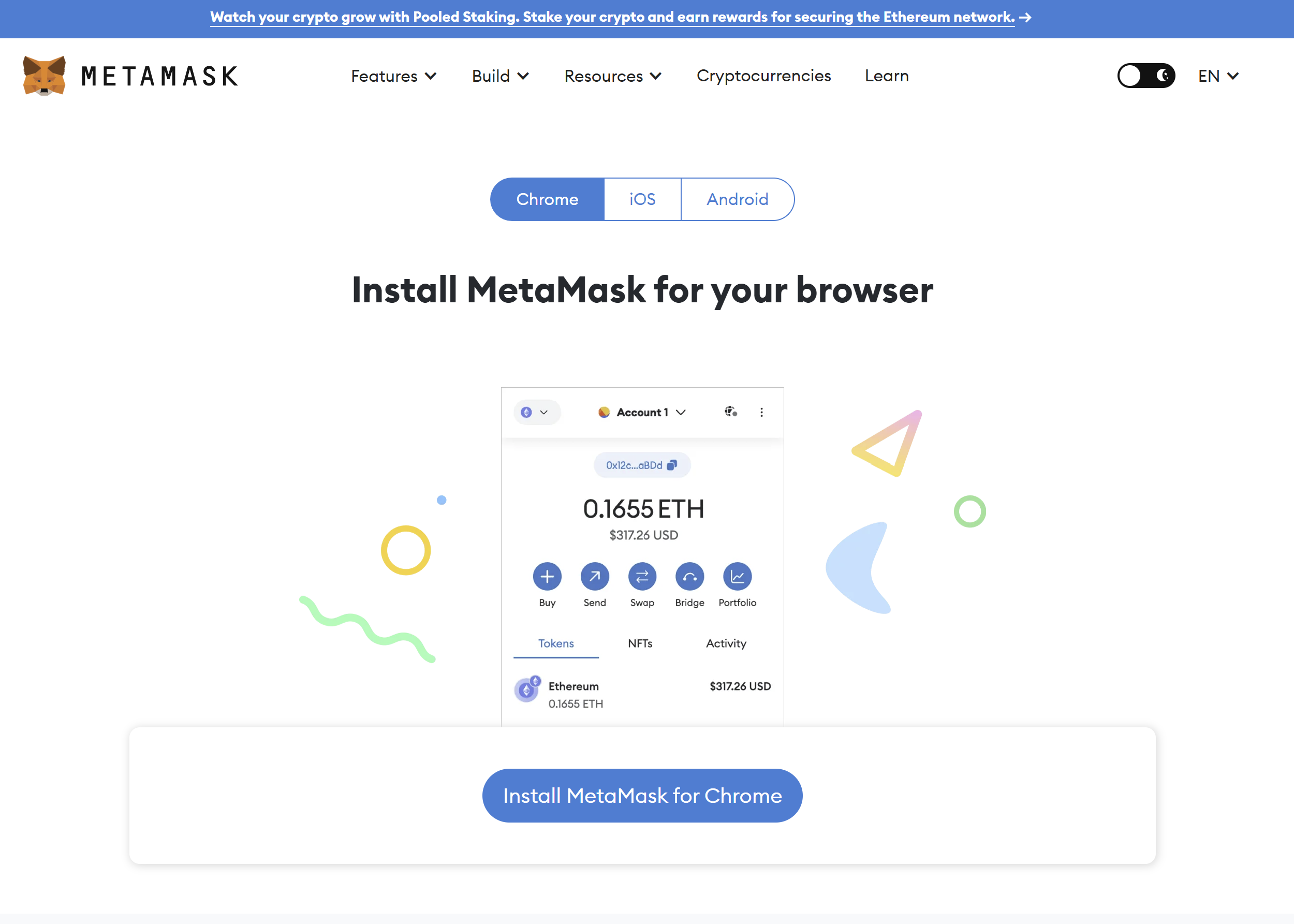
- Install MetaMask in your browser, Chrome is recommended. Follow the steps carefully and save your password and recovery codes in a safe place.
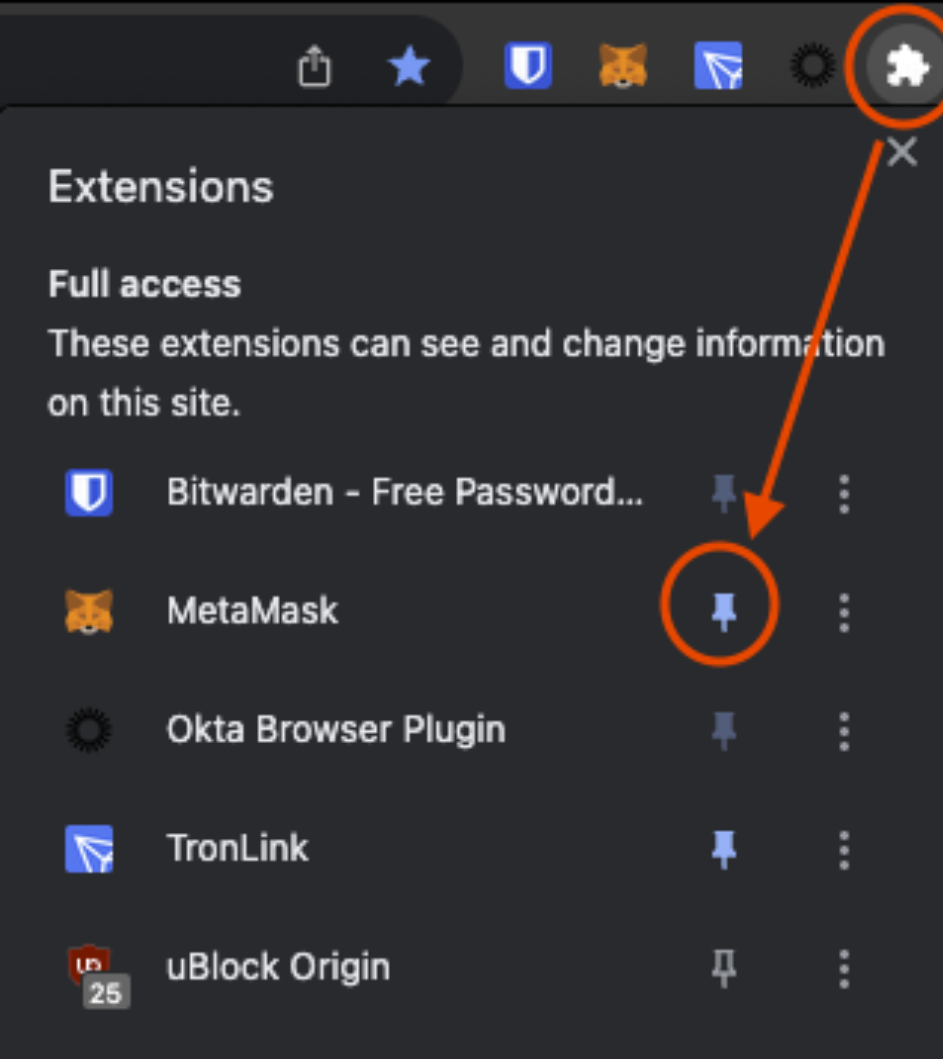
- Pin the extension to your browser by pressing the puzzle icon and then the pin icon next to MetaMask.
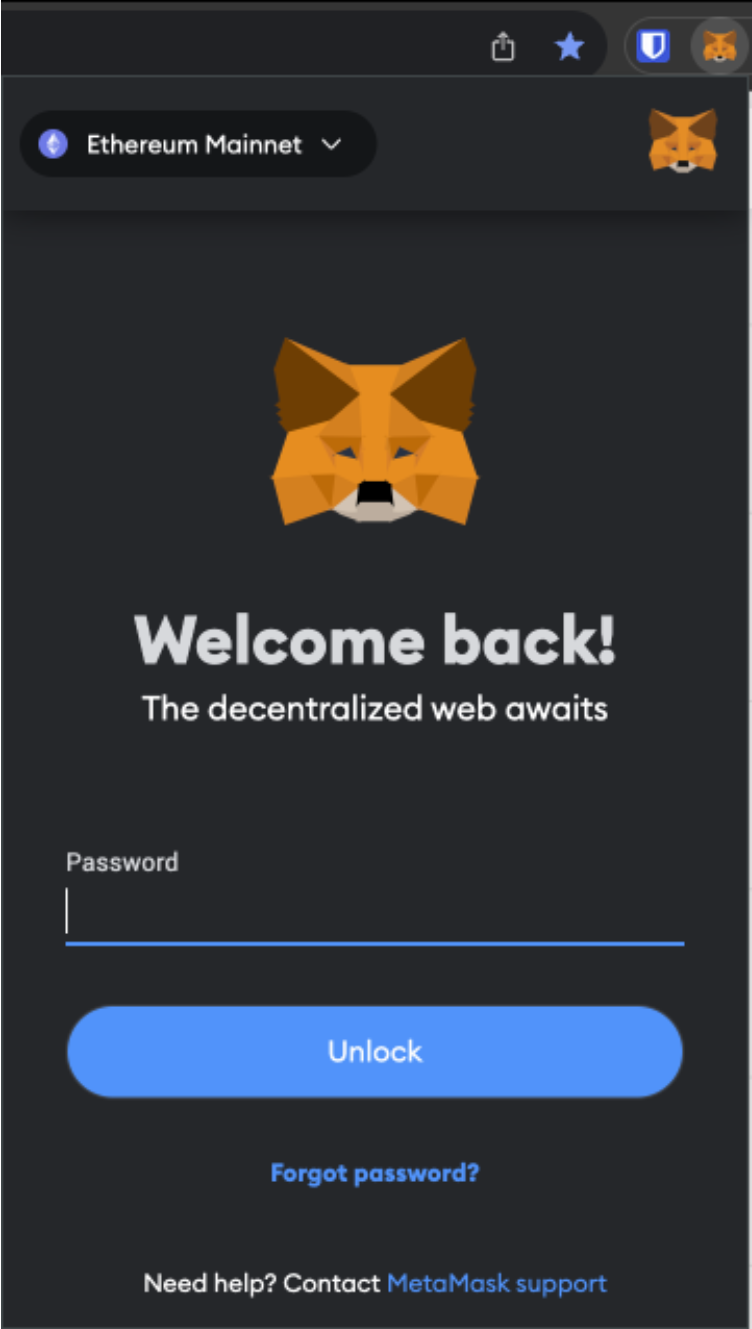
- Click on the fox-head icon to open your MetaMask wallet and login.
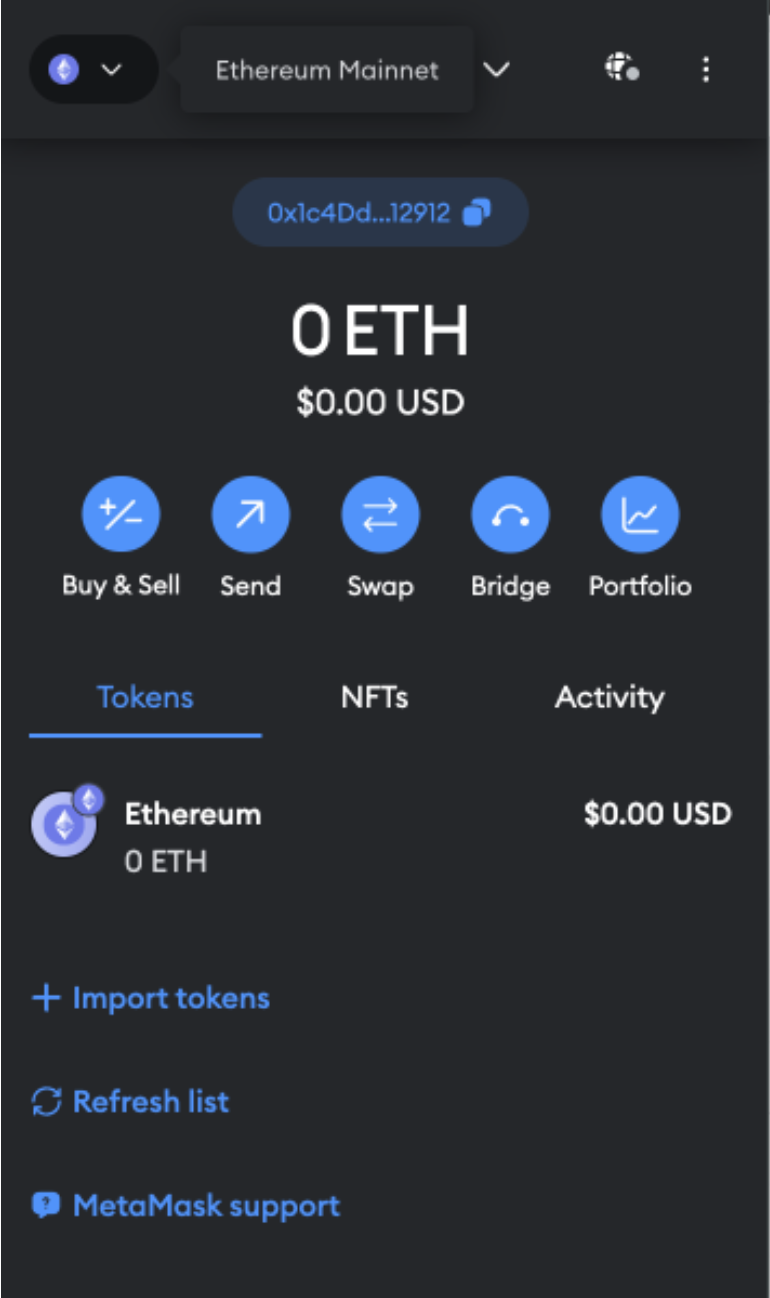
- Once Logged in, you will automatically be on the Ethereum Mainnet. To change Networks, click the networks dropdown at the top right.
- The 'Select a network' tab will open. Click the slider to show test networks, then select the Sepolia Network.
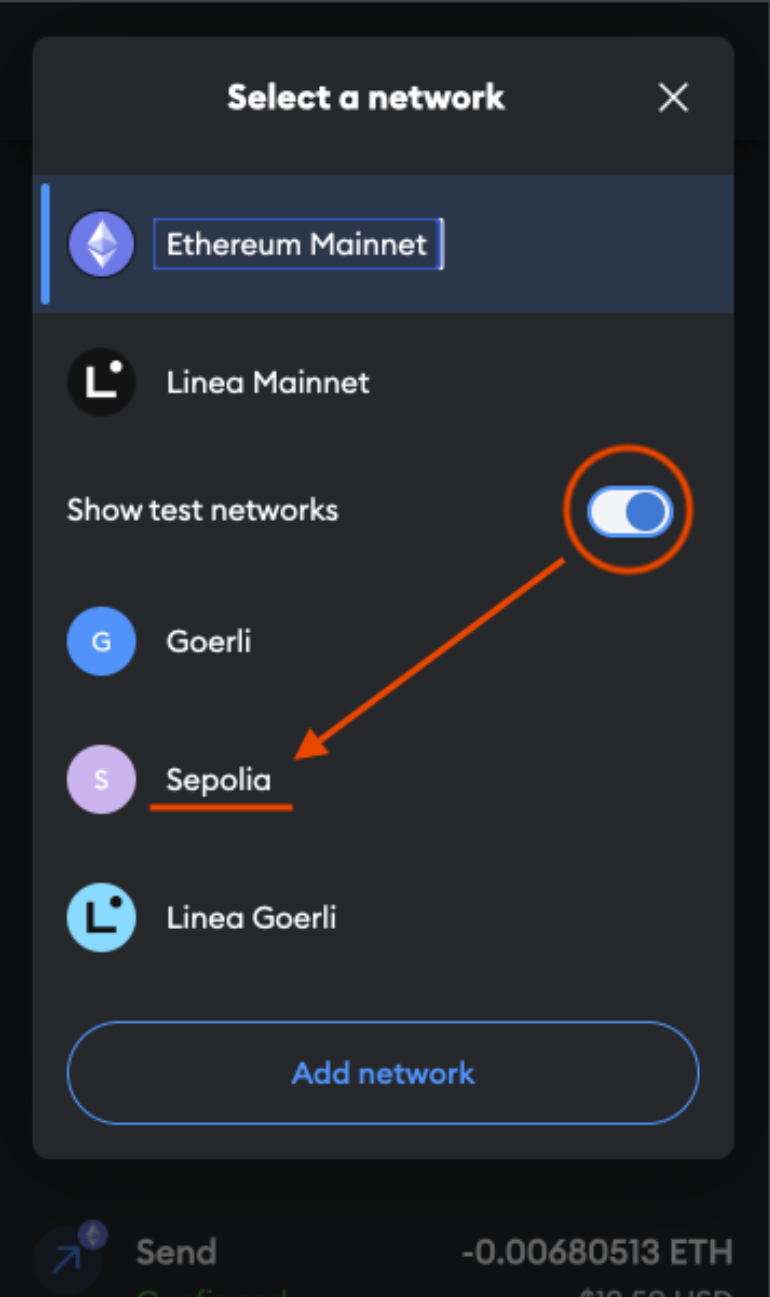
- You are now on the Sepolia Network, as shown by the 'S' in the top left and the SepoliaETH token name. You are set to receive funds and test Ethereum transactions in your sandbox.
Updated about 1 year ago