Jump to Content
BEEM
GuidesAPI ReferenceDiscussions
v1.0

Log InBEEM
Guides
Log In
v1.0GuidesAPI ReferenceDiscussions

Documentation

  • Getting Started with BEEM
  • Authentication
  • Adding your Public Key and Whitelisted IP's
  • Adding Users
  • Creating a Wallet
  • Creating a Channel Manually
  • Webhooks
    • Webhook Body (Events, Source and Data)
    • Creating a Webhook Listener
  • Testing your Integration
    • Setting Up a MetaMask Wallet
      • Adding USDT (ERC20)
    • Setting up a TronLink Wallet
      • Adding TRON (TRX)
      • Adding USDT (TRC20)
  • Supported Assets and Protocols

Use Case Guides

  • Checkout for Digital Asset Payments
    • Payment In
      • (Optional) Pre-selecting the Digital Asset to pay
      • Directing the End-User to Pay
      • Handle Payment In Exceptions
      • Listening for Payment In Webhooks
    • Payout
      • (Optional) Pre-selecting the Digital Asset to receive
      • Directing the End-User to Payout
      • Listening for Payout Webhooks
  • Adding Crypto Top Ups
    • Creating a Channel via the API
    • Listening for Channel webhooks
  • Error and Warning Dictionary
Powered by 

Creating a Wallet

  1. Log in to your account portal.
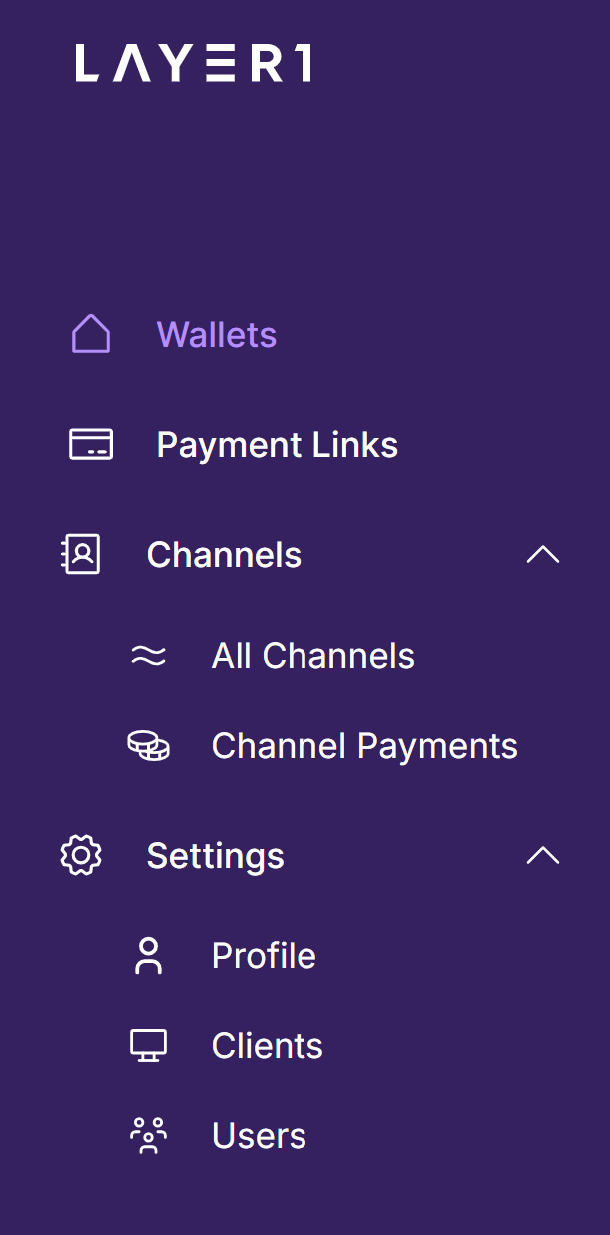
  2. Navigate to the "Wallets" section:
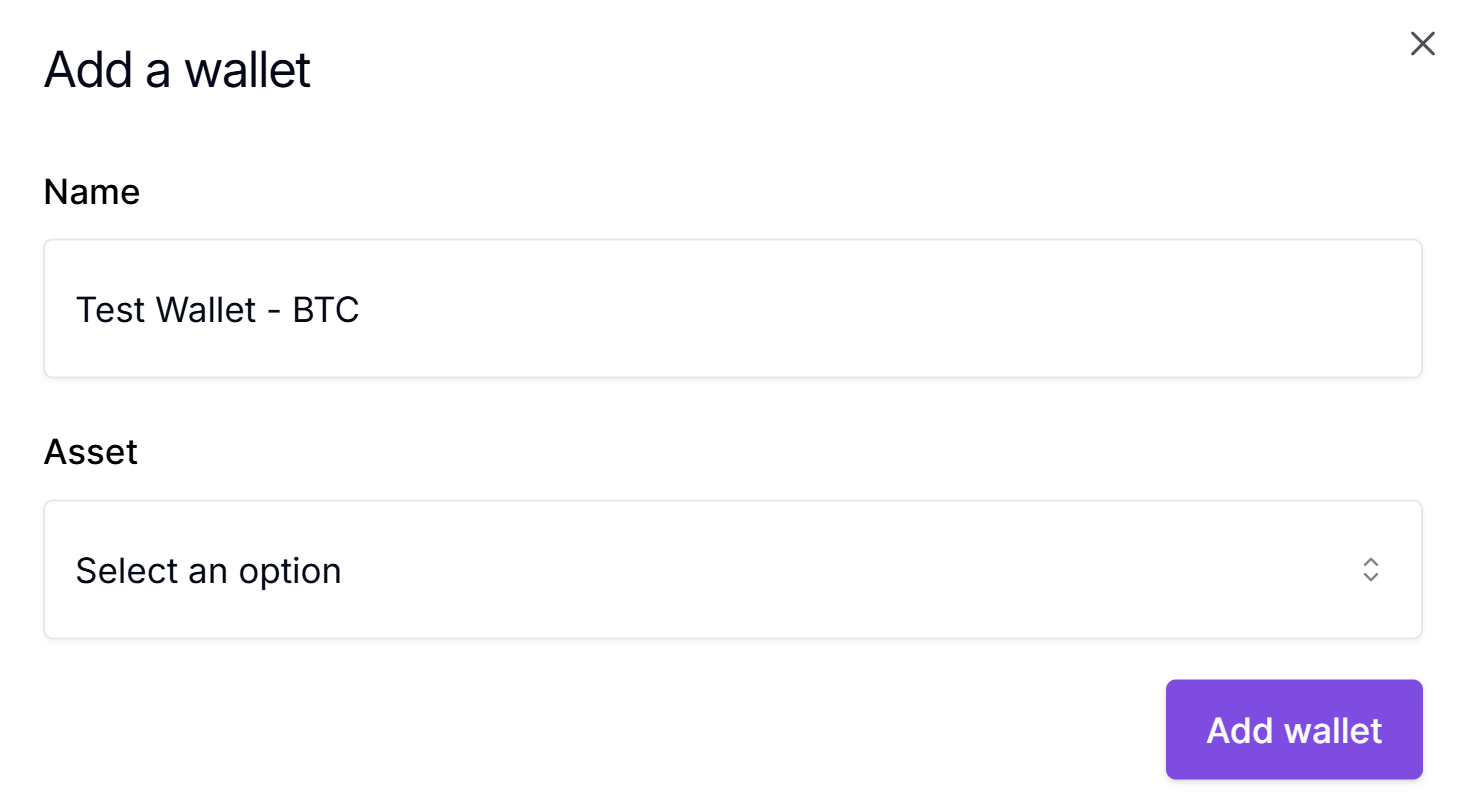
  1. Click on "Create a Wallet"
  1. Enter a wallet name:
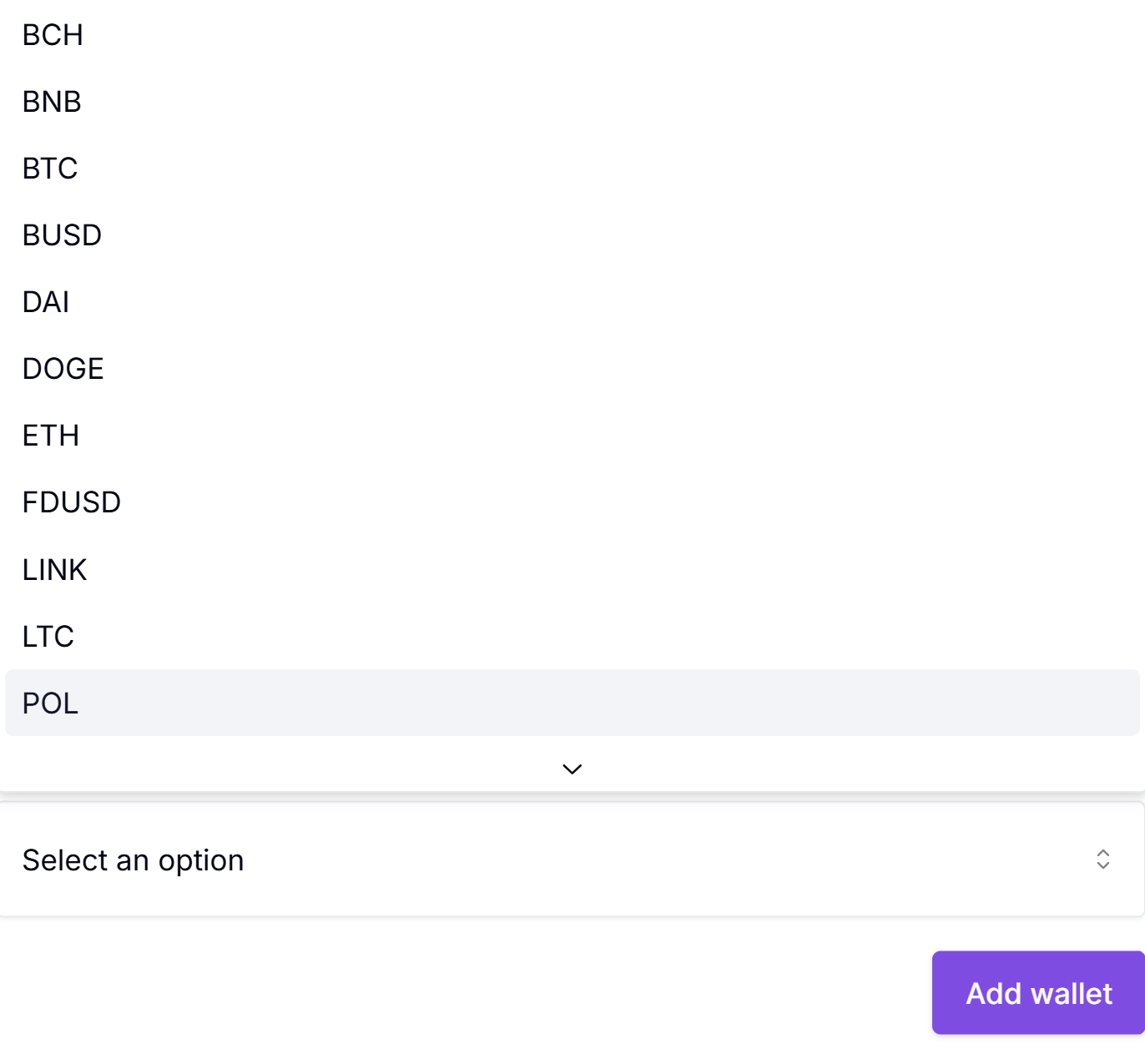
  1. Select a wallet currency and click "Add Wallet":
  1. You have now created your first wallet.

Updated about 1 year ago


Adding Users
Creating a Channel Manually