
Adding your Public Key and Whitelisted IP's
Once you have extracted your Public Key ( following these steps), add it to your account as well as the IP addresses you require to be whitelisted.
- Log in to your account portal.
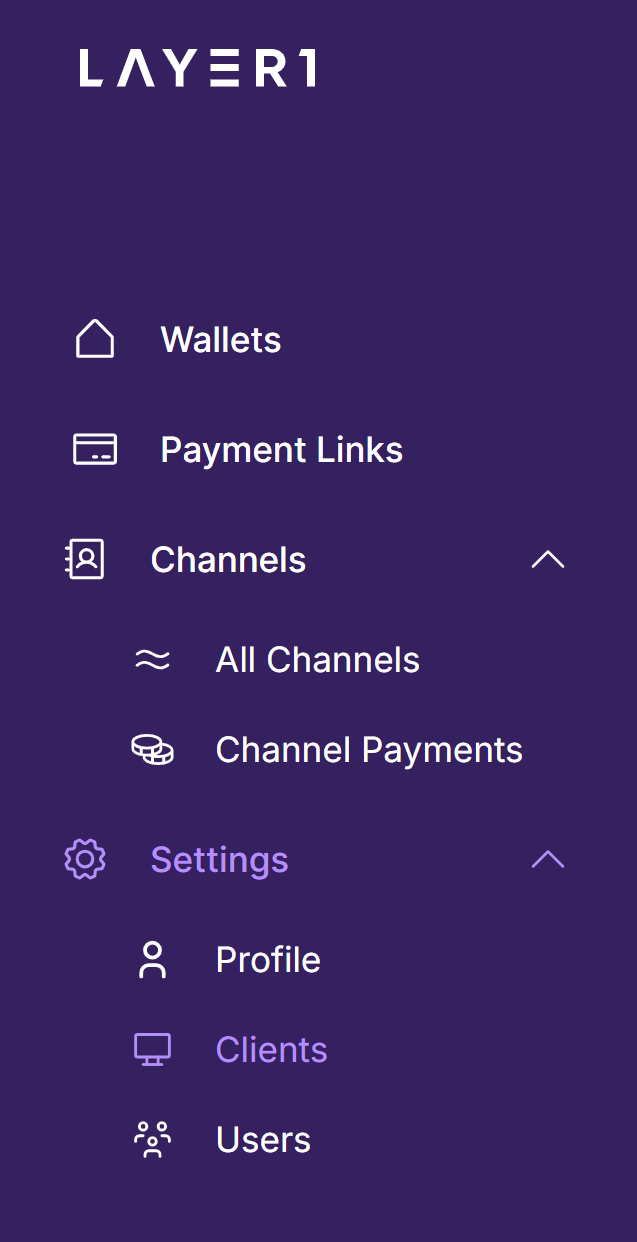
- Navigate to "Settings" and then "Clients":
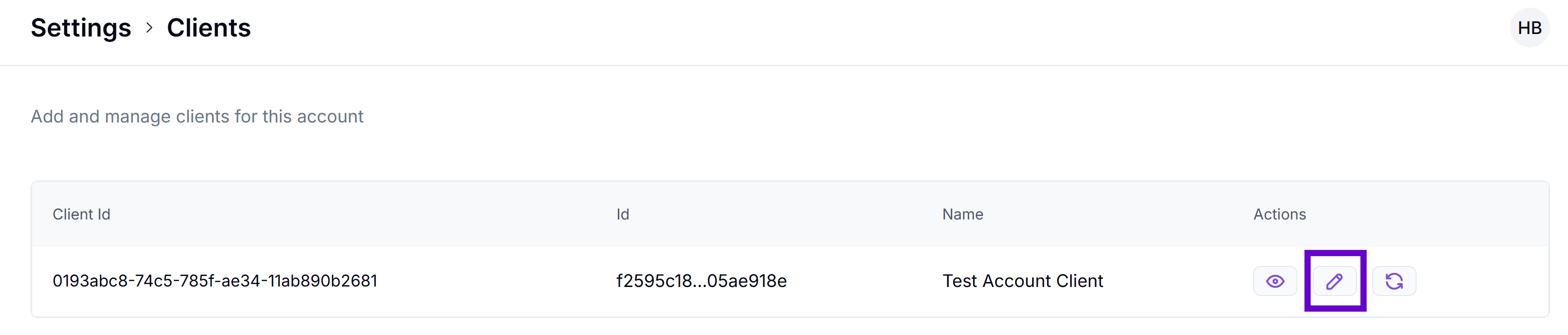
- Select the "Edit" button:
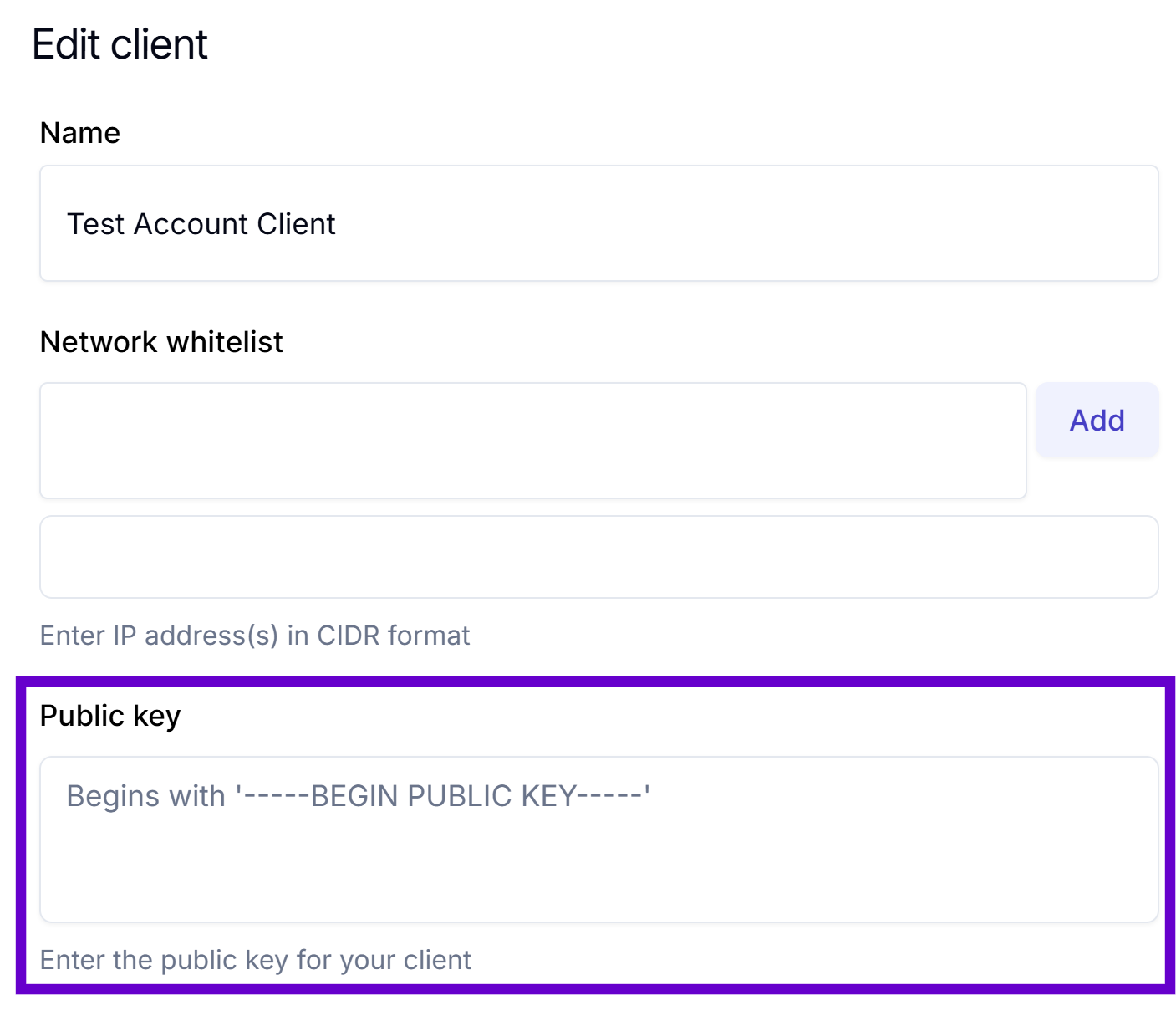
- Paste your Public Key under "Public Key":
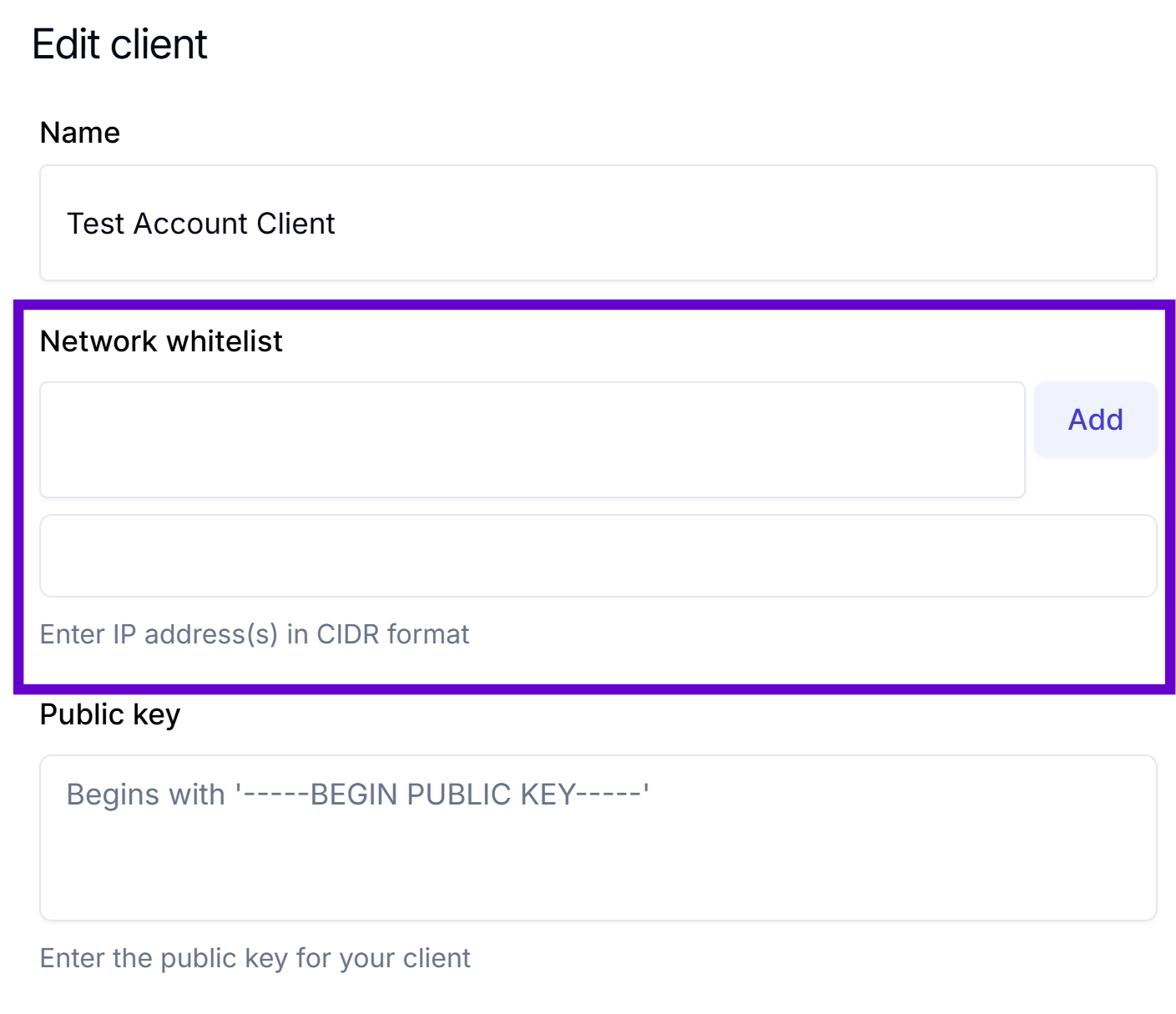
- Next, add the required IP addresses here by entering the address and clicking "Add":
-
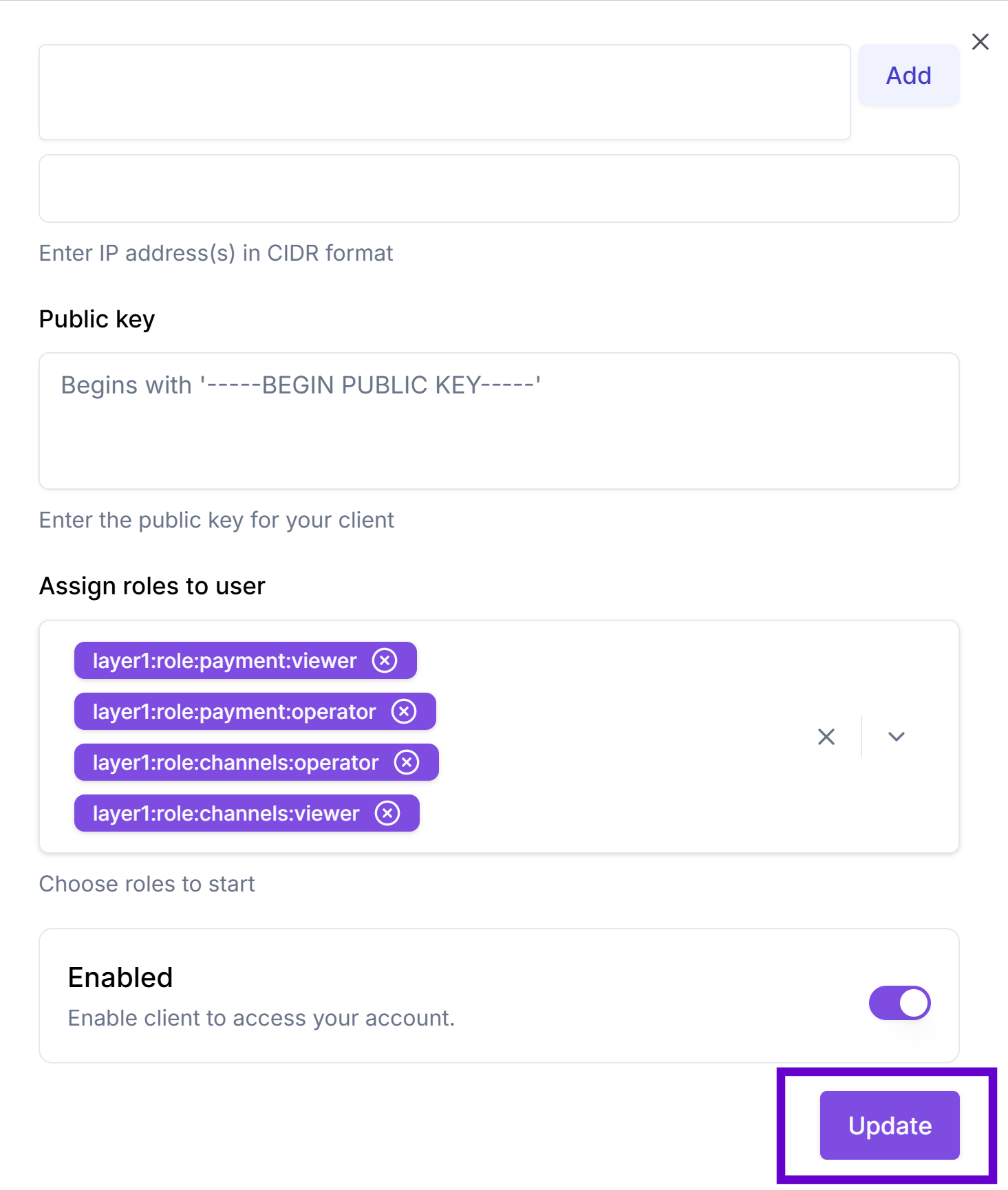
Please remember to scroll down and click "Update", or the changes will not be saved:
Updated about 6 hours ago