
Adding Users
- Log in to your account portal.
- Navigate to the "Users" section:
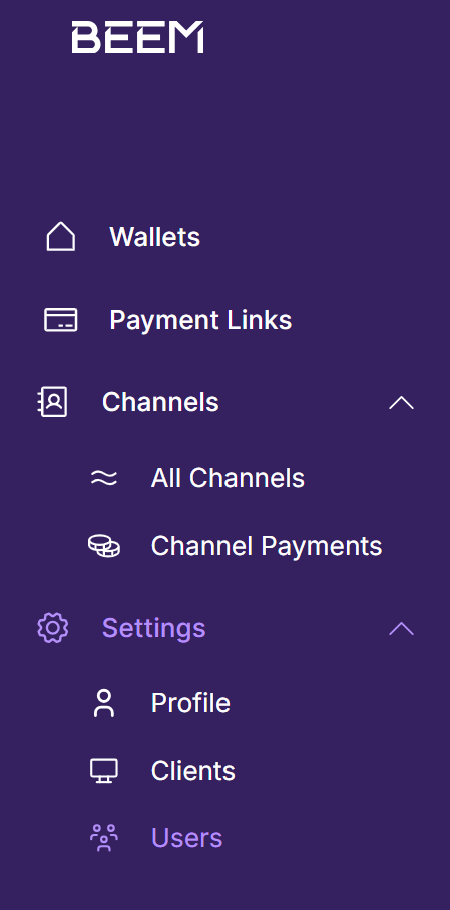
- Click on "Create a User" in the top right corner:

-
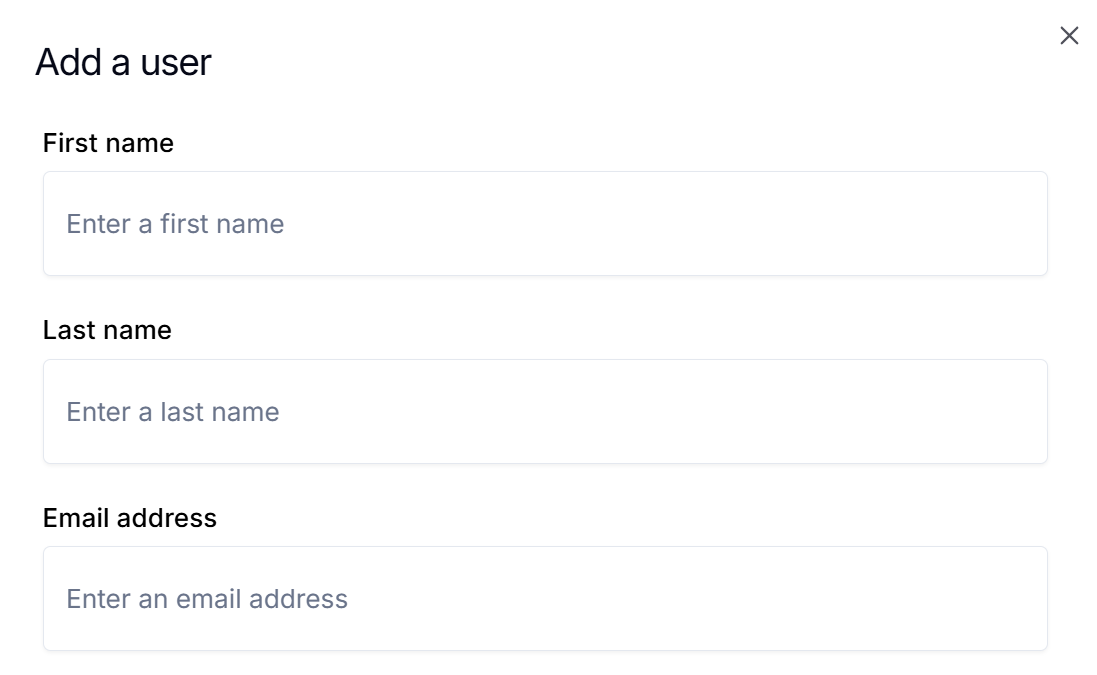
Complete the details for the User:
-
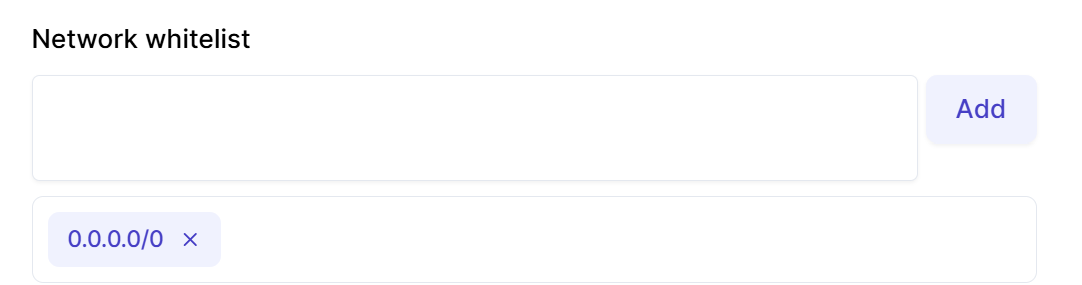
You have the option to whitelist the IP a specific user can log in from, this is not a requirement and can be left blank:
- Assign the relevant roles to the user:
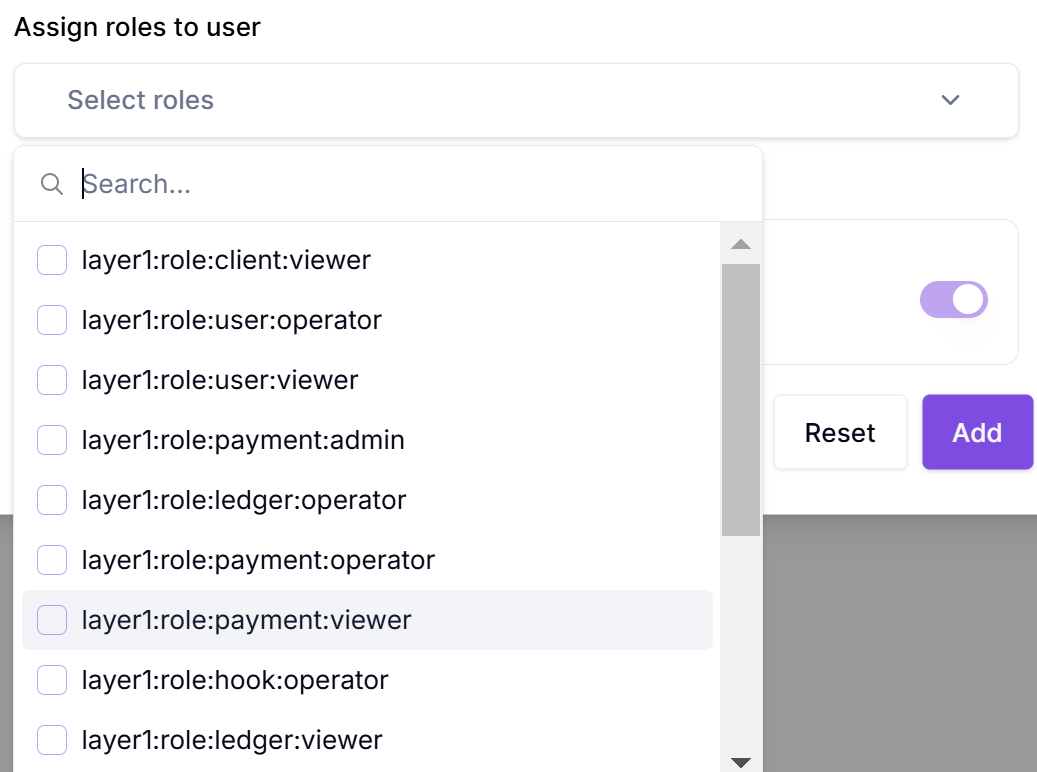
A user can only assign roles to a new user if those same roles have already been assigned to them.
- Click "Add"; at this point you have created the user and an access email would have been forwarded.
Updated about 1 year ago