
Creating a Channel Manually
Channels can be created manually or via the API. For manual creation, continue on this page. For API creation, please follow this link.
- Log in to your account portal.
- Navigate to the "Channels" section and select "All Channels":
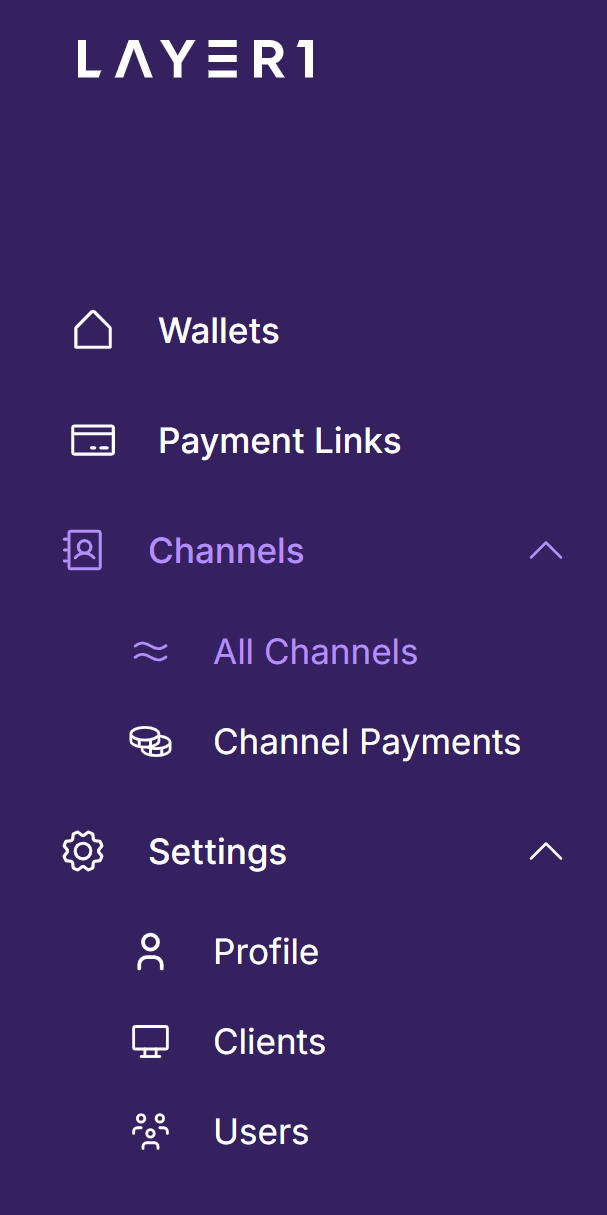
- Select "Create a Channel" in the top right corner:

- Select the "Wallet" you would like to link the "Channel" to:
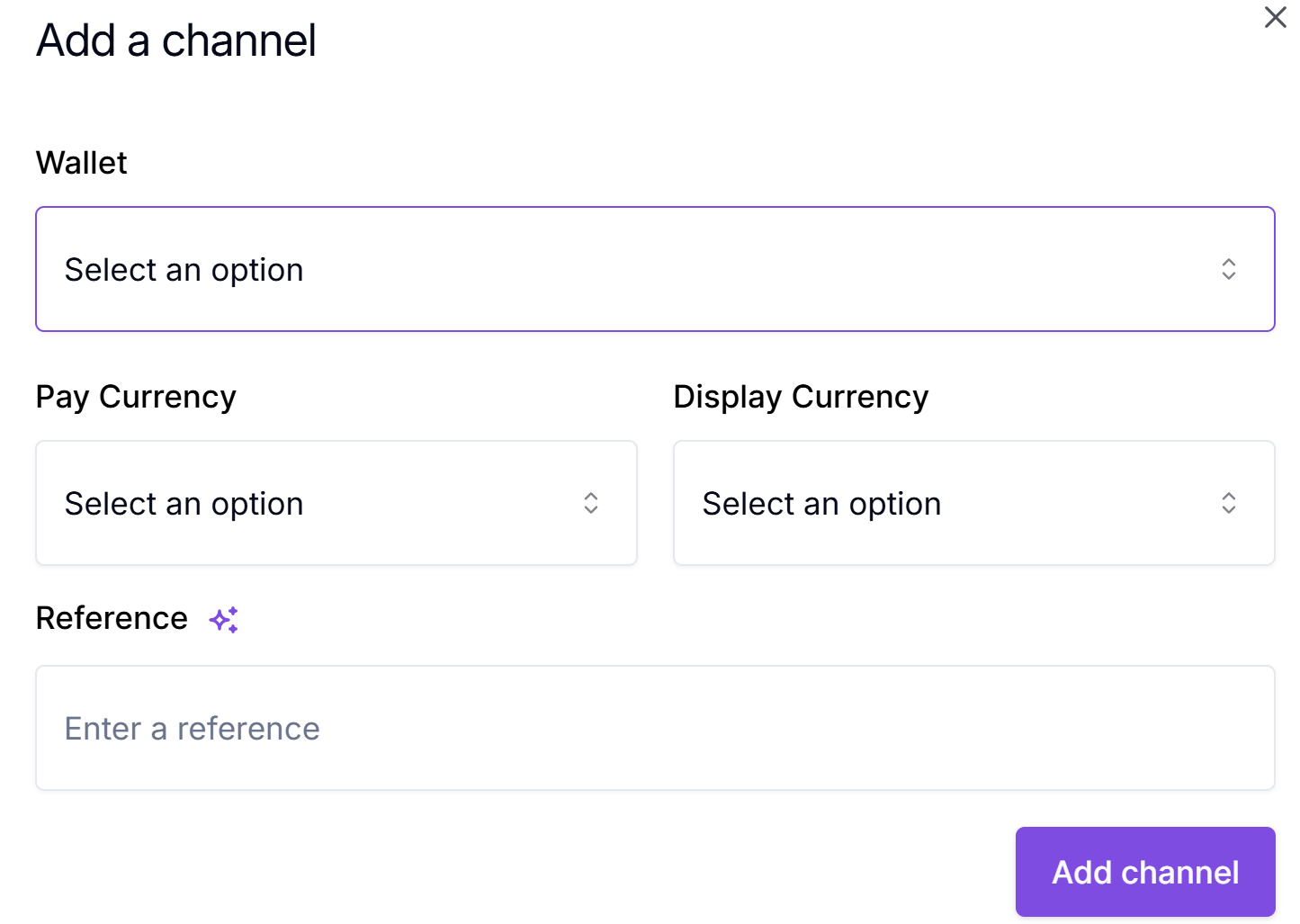
Multiple Channels can be linked to a single Wallet
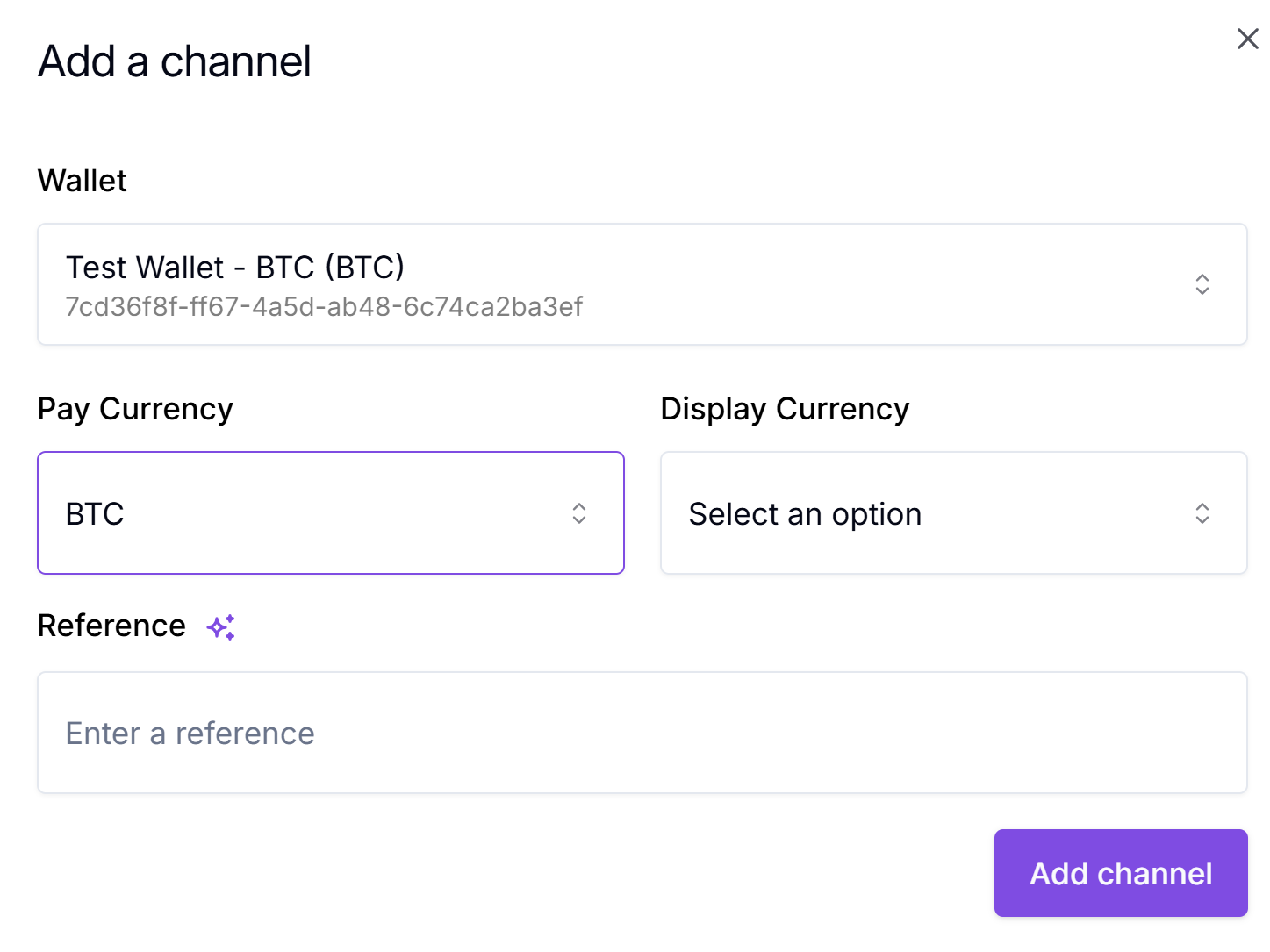
- Select the "Pay Currency" for this Channel; the "Pay Currency" is the currency you expect to receive. The currency selected here will generate a corresponding blockchain address.\
Example: If you select BTC, the "Channel address" created will be a BTC address.
- Select the "Display Currency"; the "Display Currency" allows you to display the "Pay Currency" to the user in a preferred or standardised currency. This is more relevant to your User Interface functionality.\
Example: If you select "Display Currency" as "EUR", it will allow your User Interface to show the "EUR" equivalent of "BTC" expected to be received.
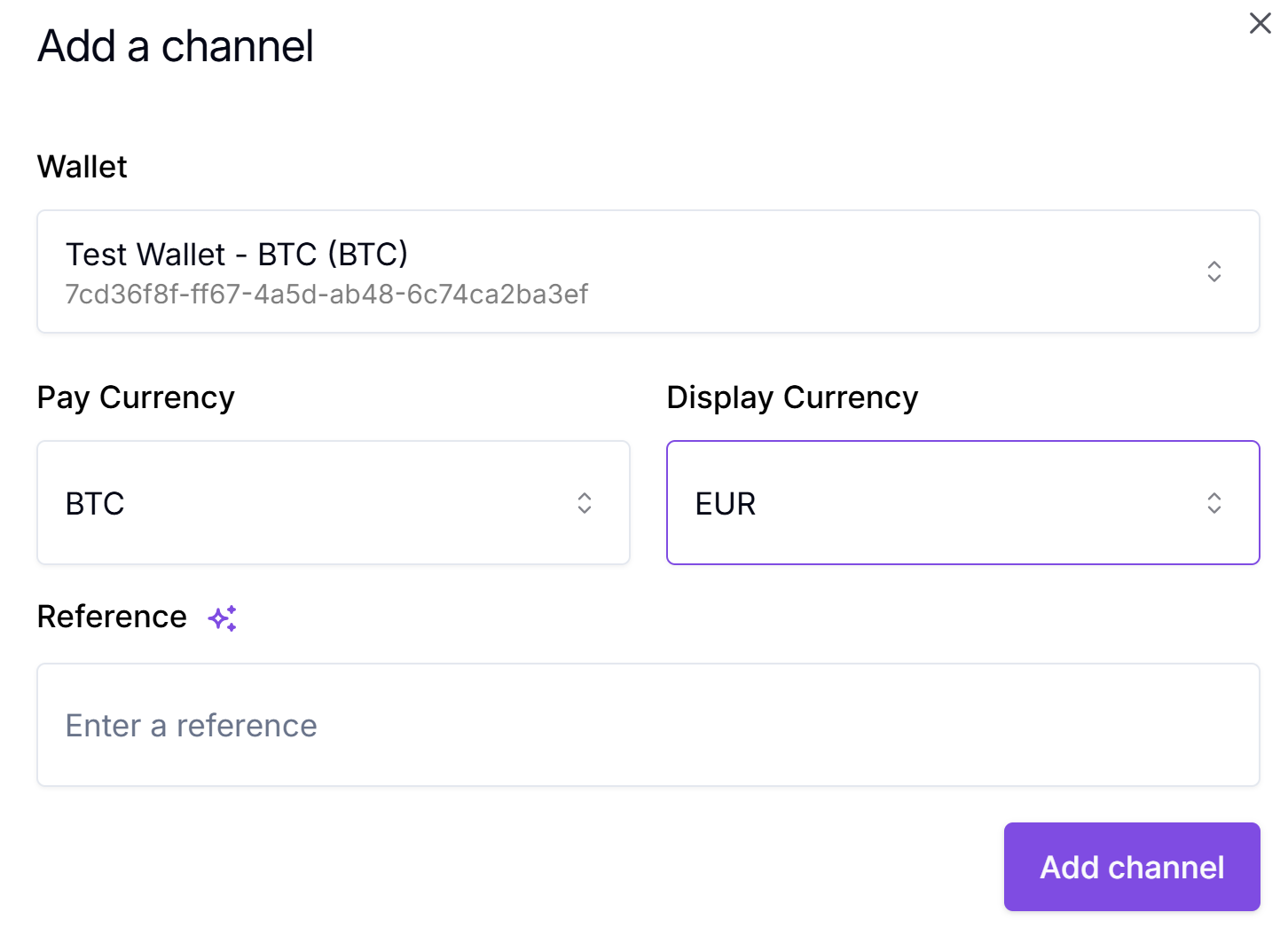
- Enter a "Reference"; this should be for your internal use to aid in reconciliation and tracking.
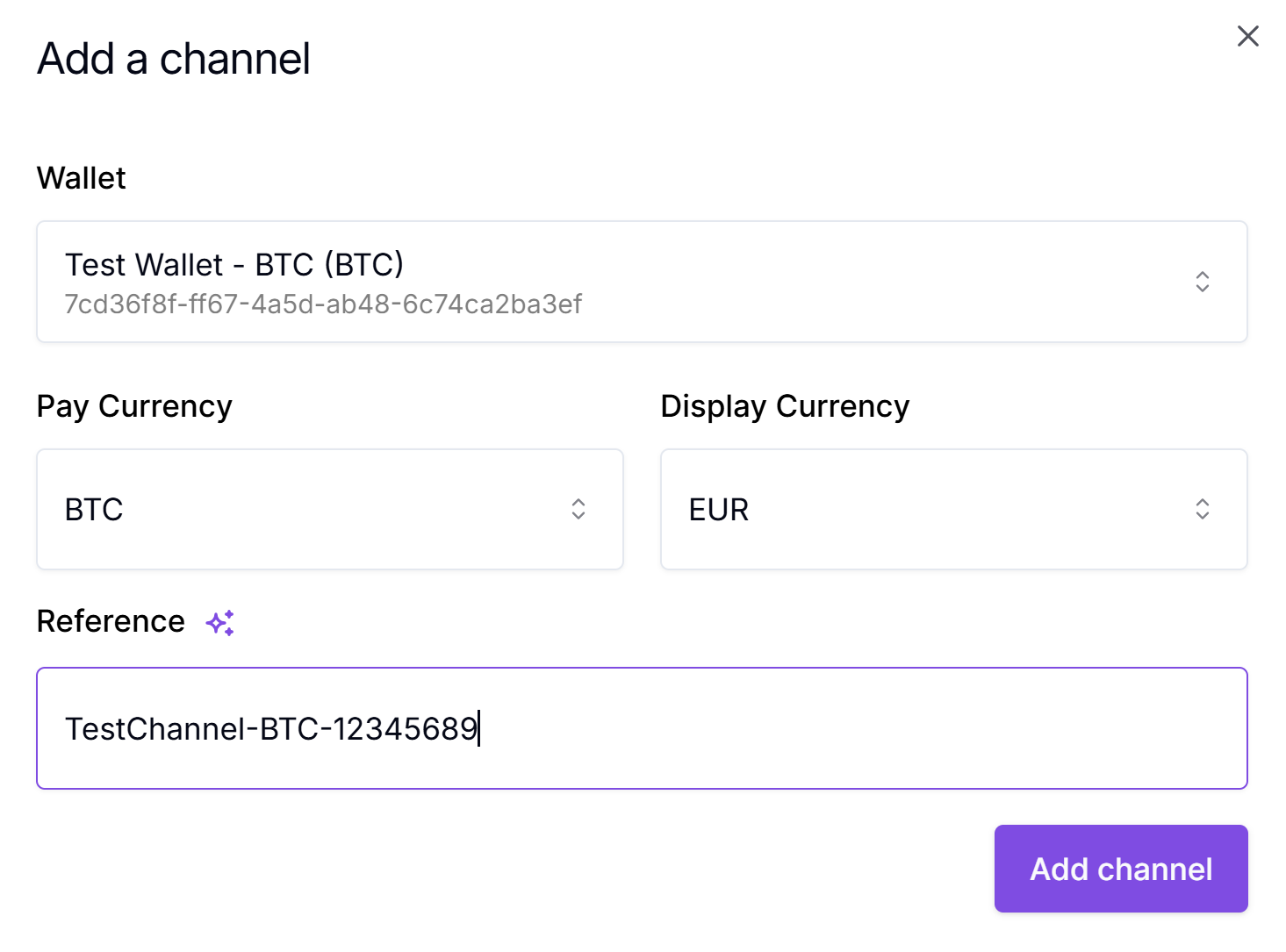
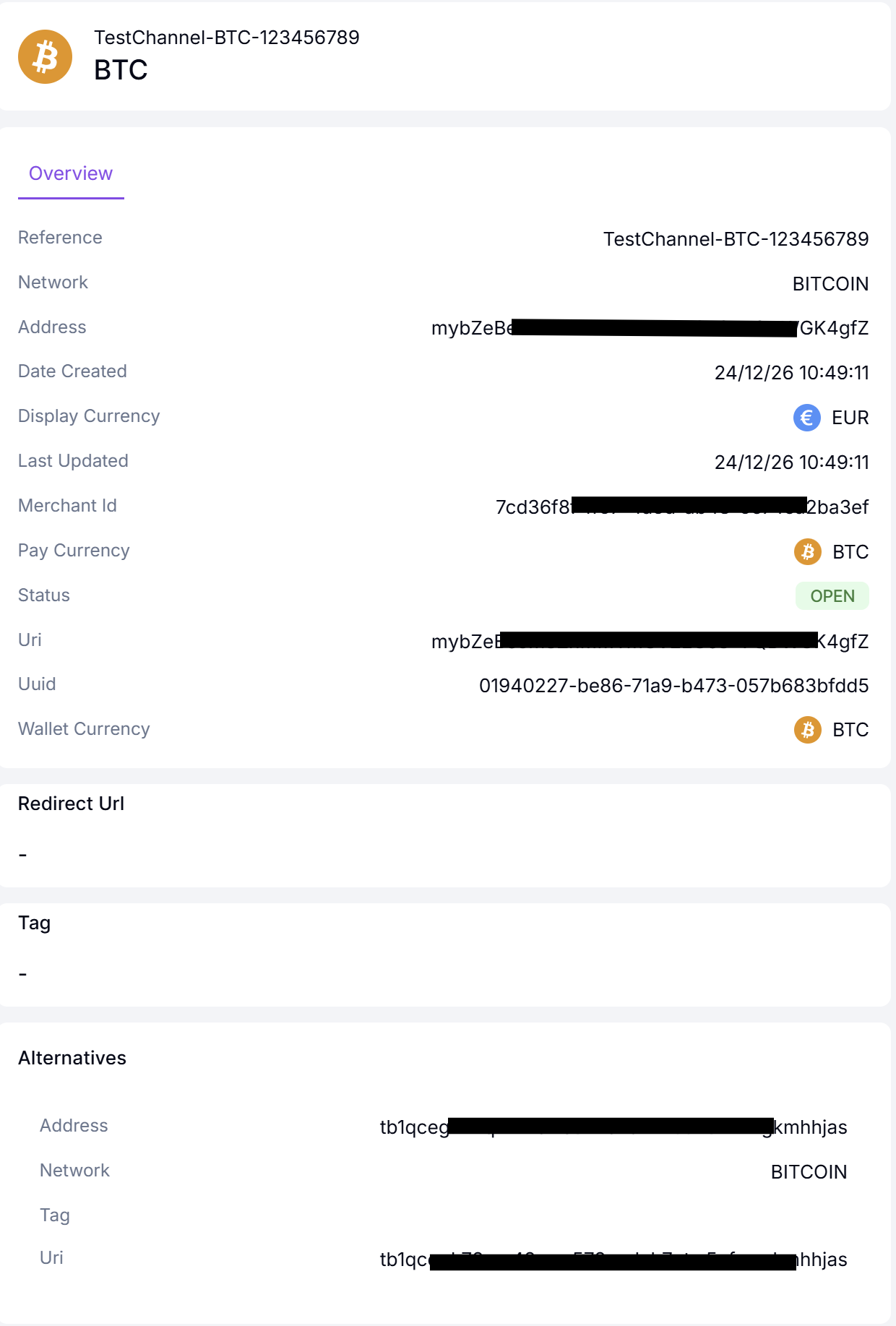
- You have now created your first "Channel". If you click on your "Channel." it will display the relevant details.
Updated about 1 year ago